NVIDIA Driver Installation Loop
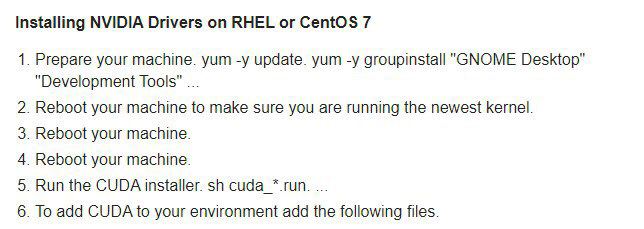
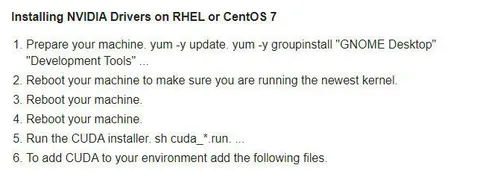
Installing NVIDIA Drivers on RHEL or CentOS 7 1. Prepare your machine. yum -y update. yum -y groupinstall "GNOME Desktop" "Development Tools" ... 2. Reboot your machine to make sure you are running the newest kernel. 3. Reboot your machine. 4. Reboot your machine. 5. Run the CUDA installer. sh cuda_*.run ... 6. To add CUDA to your environment add the following files.
A fake installation guide for NVIDIA drivers on RHEL or CentOS 7 repeatedly tells the user to reboot the machine. The joke is the absurdly repetitive troubleshooting instruction, capturing the frustration of Linux driver and CUDA setup. EN: A fake installation guide for NVIDIA drivers on RHEL or CentOS 7 repeatedly tells the user to reboot the machine. The joke is the absurdly repetitive troubleshooting instruction, capturing the frustration of Linux driver and CUDA setup.
computer screen / экран компьютераinstallation guide / руководство по установкеNVIDIA driver / драйвер NVIDIARHEL operating system / операционная система RHELCentOS operating system / операционная система CentOSterminal commands / команды терминалаGNOME Desktop / рабочий стол GNOMEdevelopment tools / инструменты разработкиCUDA installer / установщик CUDAtext document / текстовый документ
- @right_wing_dev_squads / 1064 2021-01-28
- Type
- image
- Size
- 644×229 · 29.4 KiB
- Mood
- саркастичный, раздражённый
- Language
- en
- Added