Two Missing Pixels in Windows XP
Jim Midnite Internet Internet Explorer E-mail Outlook Express MSN Explorer Windows Media Player Windows Movie Maker Tour Windows XP Files and Settings Transfer Wizard Paint All Programs My Documents My Recent Documents My Pictures My Music My Computer Control Panel Printers and Faxes Help and Support Search Run... Log Off Turn Off Computer Take a tour of Windows XP To learn about the exciting new features in XP now, click here. To take the tour later, click All Programs on the Start menu, and then click Accessories. start Recycle Bin 7:56 PM
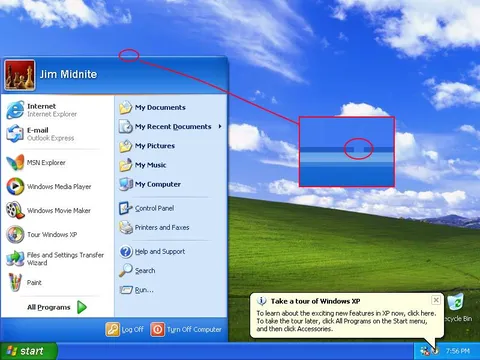
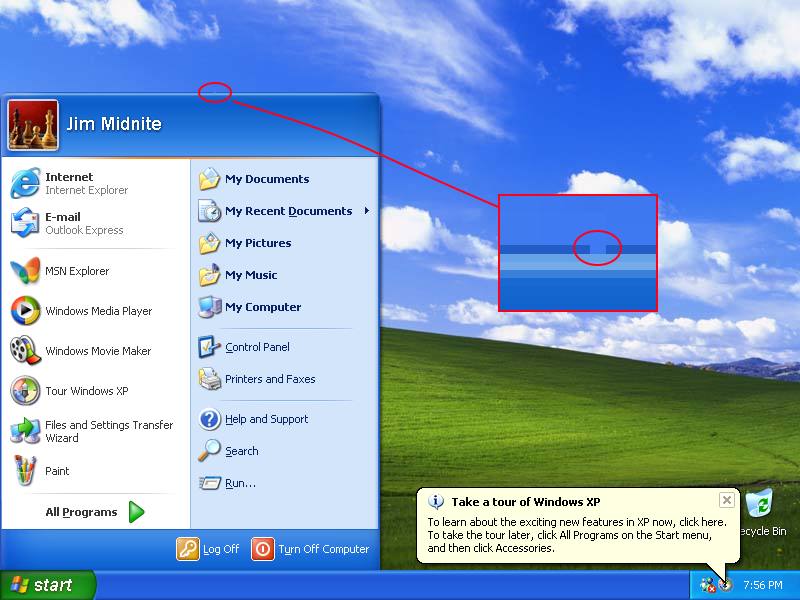
A Windows XP desktop shows the classic Bliss wallpaper and Start menu, with red annotations circling two tiny missing pixels in the menu interface. The joke treats an almost impossibly minor graphical defect as a serious discovery, making it a reaction to obsessive attention to detail, software nostalgia, or pointless technical trivia. EN: A Windows XP desktop shows the classic Bliss wallpaper and Start menu, with red annotations circling two tiny missing pixels in the menu interface. The joke treats an almost impossibly minor graphical defect as a serious discovery, making it a reaction to obsessive attention to detail, software nostalgia, or pointless technical trivia.
Windows XP Start menu / меню «Пуск» Windows XPdesktop computer screen / экран настольного компьютераblue sky / голубое небоgreen hill / зелёный холмclouds / облакаred circles / красные кругиred arrows / красные стрелкиred rectangular zoom box / красная прямоугольная рамка увеличенияWindows XP notification balloon / всплывающее уведомление Windows XPRecycle Bin icon / значок «Корзины»taskbar / панель задачStart button / кнопка «Пуск»clock / часыprogram icons / значки программmenu panels / панели меню
- @gentoomemes / 20922 2026-05-21
- Type
- image
- Size
- 800×600 · 66.7 KiB
- Mood
- absurd, sarcastic
- Language
- en
- Added