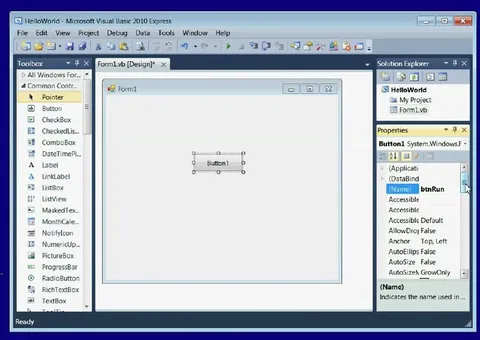
Bloated Visual Studio Interface
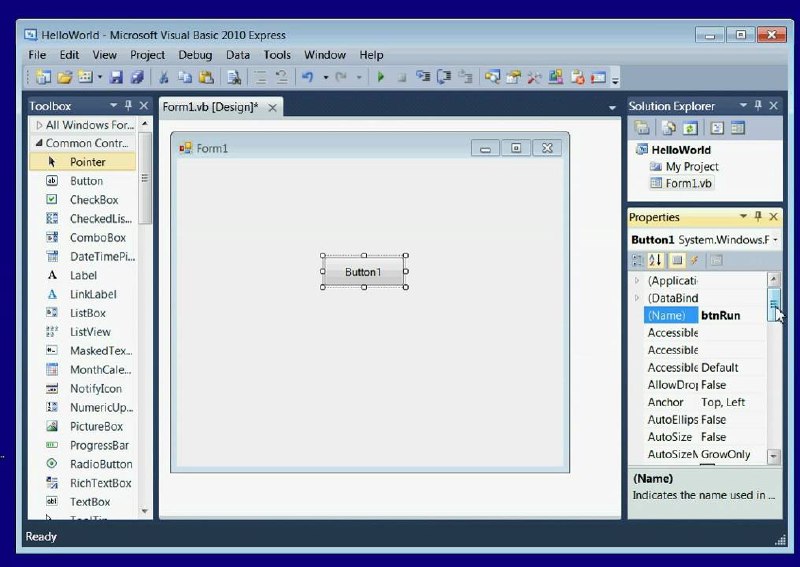
HelloWorld - Microsoft Visual Basic 2010 Express File Edit View Project Debug Data Tools Window Help Toolbox All Windows Forms Common Controls Pointer Button CheckBox CheckBoxLis... ComboBox DateTimePi... Label LinkLabel ListBox ListView MaskedTextBo... MonthCalen... NotifyIcon NumericUp... PictureBox ProgressBar RadioButton RichTextBox TextBox Form1.vb [Design]* Form1 Button1 Solution Explorer HelloWorld My Project Form1.vb Properties Button1 System.Windows.F... (Application) (DataBind) (Name) btnRun Accessible Accessible Default AllowDrop False Anchor Top, Left AutoEllipsis False AutoSize False AutoSize2 GrowOnly (Name) Indicates the name used in ... Ready
A screenshot of Microsoft Visual Basic 2010 Express shows a tiny Windows Forms project with a blank form and one button, surrounded by a sprawling toolbox, properties panel, solution explorer, menus, and toolbars. The joke is that even a trivial “HelloWorld” program requires an absurdly large, complicated development environment, making Visual Studio look bloated and intimidating. It is used as a reaction to heavyweight software, overengineered tools, or simple tasks buried under excessive interface clutter.
desktop application window / окно настольного приложенияVisual Studio IDE / IDE Visual Studiotoolbox panel / панель инструментовproperties panel / панель свойствsolution explorer / обозреватель решенийform designer / дизайнер формыblank Windows form / пустая форма Windowsbutton control / элемент управления кнопкойmouse pointer / указатель мышиmenu bar / строка менюtoolbar / панель инструментовtitle bar / строка заголовкаscrollbars / полосы прокруткиblue window frame / синяя рамка окнаdesktop background / фон рабочего стола
- @gentoomemes / 19352 2025-11-17
- Type
- image
- Size
- 800×567 · 79.8 KiB
- Mood
- sarcastic
- Language
- en
- Added