Compressed C Drive BIOS Problem
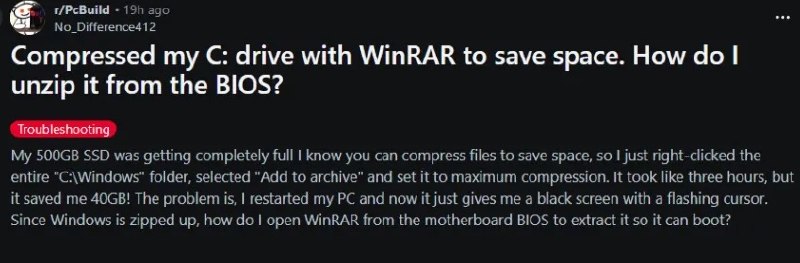
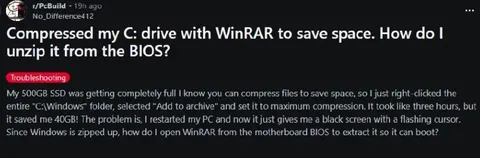
Compressed my C: drive with WinRAR to save space. How do I unzip it from the BIOS? My 500GB SSD was getting completely full I know you can compress files to save space, so I just right-clicked the entire "C:\Windows" folder, selected "Add to archive" and set it to maximum compression. It took like three hours, but it saved me 40GB! The problem is, I restarted my PC and now it just gives me a black screen with a flashing cursor. Since Windows is zipped up, how do I open WinRAR from the motherboard BIOS to extract it so it can boot?
A Reddit post claims that the user compressed the entire Windows folder with WinRAR to free disk space, then restarted the computer and got a black screen. The punchline is that Windows cannot boot because its system files were archived, and the absurd question about extracting them from the BIOS parodies a clueless technical support request. EN: A Reddit post claims that the user compressed the entire Windows folder with WinRAR to free disk space, then restarted the computer and got a black screen. The punchline is that Windows cannot boot because its system files were archived, and the absurd question about extracting them from the BIOS parodies a clueless technical support request.
computer / компьютерdesktop monitor / настольный мониторblack screen / чёрный экранflashing cursor / мигающий курсорWinRAR archive / архив WinRARWindows folder / папка WindowsSSD / SSD-накопительmotherboard BIOS / BIOS материнской платыfile compression / сжатие файловReddit post / публикация на Reddit
- @eternalclassic / 87881 2026-05-12
- Type
- image
- Size
- 800×263 · 45.5 KiB
- Mood
- absurd, sarcastic
- Language
- en
- Added