TempleOS Asks God
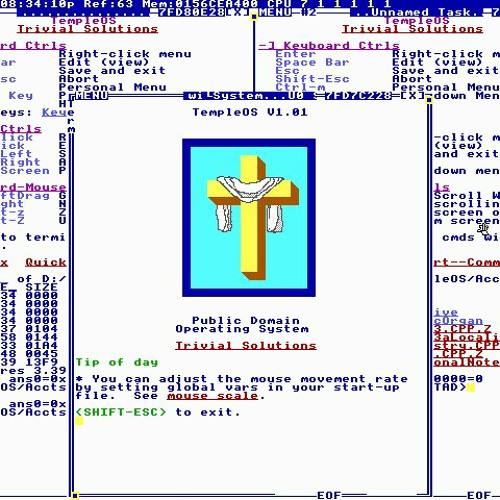
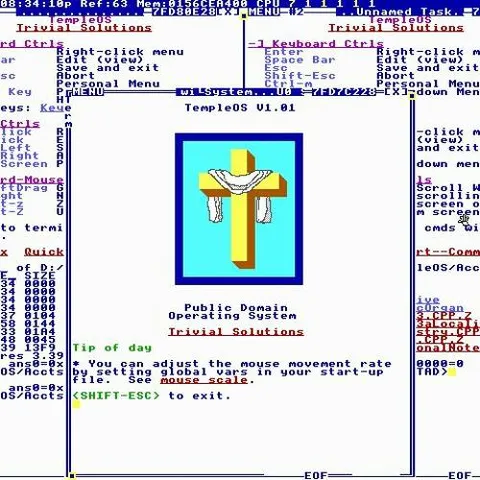
TempleOS V1.01 Public Domain Operating System Trivial Solutions Tip of day * You can adjust the mouse movement rate by setting global vars in your start-up file. <SHIFT-ESC> to exit.
A retro TempleOS desktop displays a Christian cross icon and the system tip “You can adjust the mouse movement rate by setting global vars in your start-up file.” The joke treats TempleOS as a way to ask God for answers, contrasting its bizarre retro interface with modern AI assistants and implying that the divine response is difficult to interpret. EN: A retro TempleOS desktop displays a Christian cross icon and the system tip “You can adjust the mouse movement rate by setting global vars in your start-up file.” The joke treats TempleOS as a way to ask God for answers, contrasting its bizarre retro interface with modern AI assistants and implying that the divine response is difficult to interpret.
computer screen / экран компьютераretro terminal interface / ретро-интерфейс терминалаChristian cross / христианский крестblue window border / синяя рамка окнаmouse settings tip / подсказка о настройках мышиtext menu / текстовое менюwhite background / белый фонTempleOS desktop / рабочий стол TempleOS
- @gentoomemes / 17948 2025-07-19
- @pokupkabitka / 51168 2025-07-20
- Type
- image
- Size
- 500×500 · 49.4 KiB
- Mood
- absurd, sarcastic
- Language
- en
- Added