Windows Subsystem for Linux Penguin
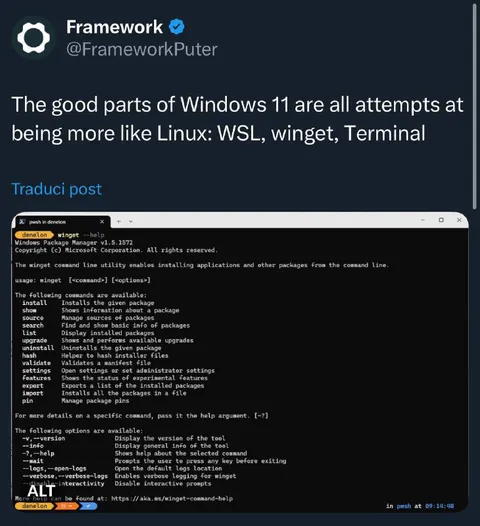
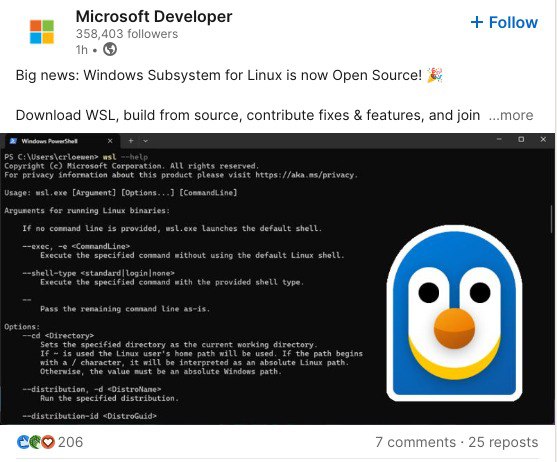
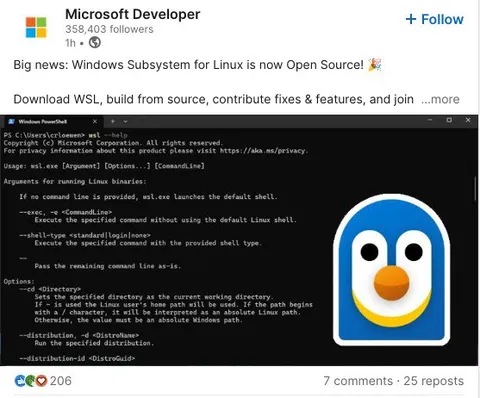
Big news: Windows Subsystem for Linux is now Open Source! 🎉 Download WSL, build from source, contribute fixes & features, and join ...more Microsoft Windows PowerShell PS C:\Users\clore> wsl --help Copyright (c) Microsoft Corporation. All rights reserved. For privacy information about products, visit https://aka.ms/privacy. Usage: wsl.exe [Argument] [Options...] [CommandLine] Arguments for running Linux binaries: If no command line is provided, wsl.exe launches the default shell. --exec, -e <CommandLine> Execute the specified command without using the default Linux shell. --shell-type <Standard|Login|None> Execute the specified command with the provided shell type. -- Pass the remaining command line as-is. Options: --cd <Directory> Sets the specified directory as the current working directory. If ~ is used the Linux user's home path will be used. If the path begins with a / character, it will be interpreted as an absolute Linux path. Otherwise, the value must be an absolute Windows path. --distribution, -d <DistroName> Run the specified distribution. --distribution-id <DistroGuid>
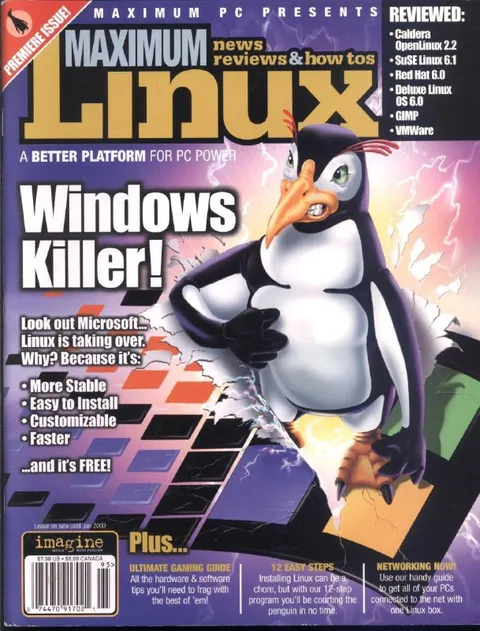
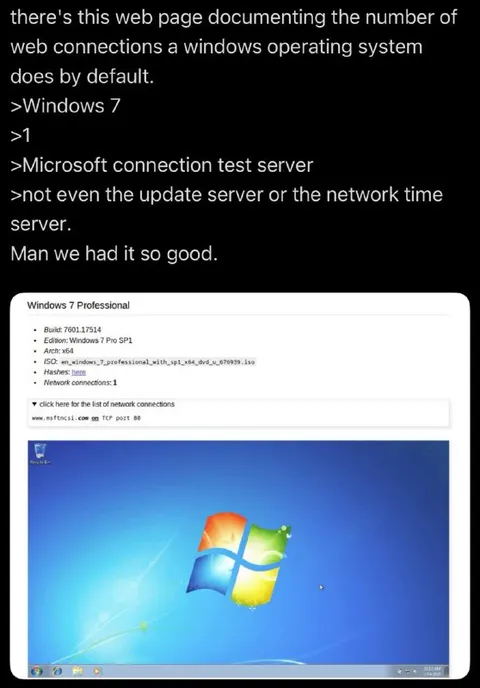
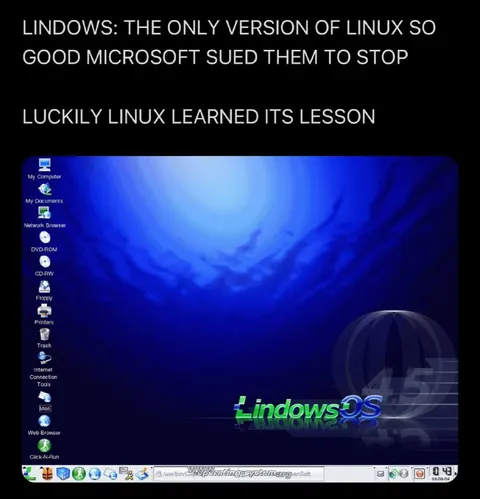
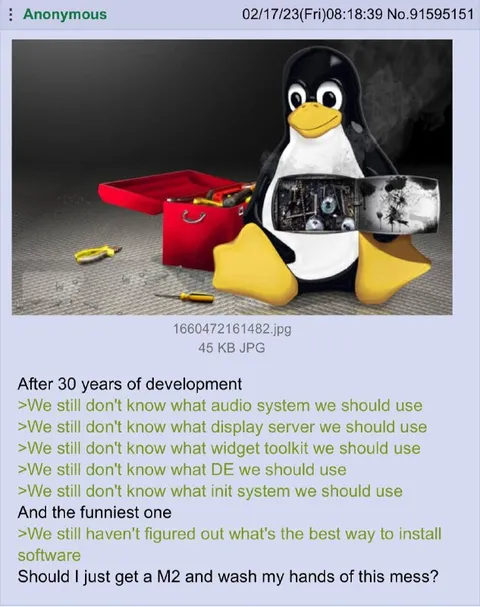
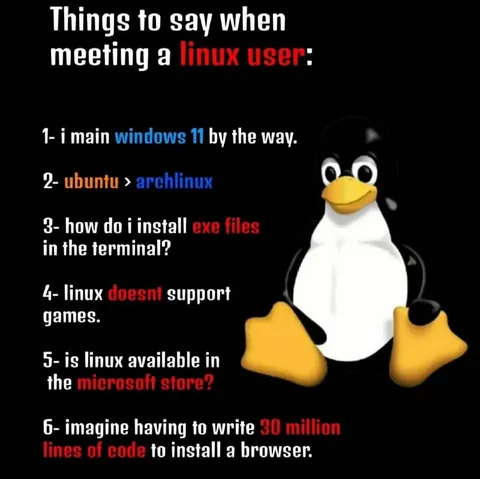
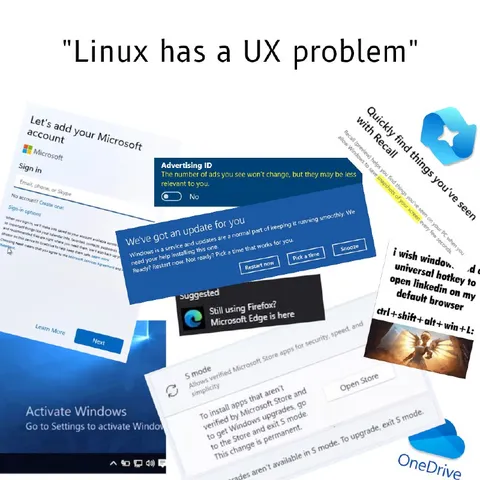
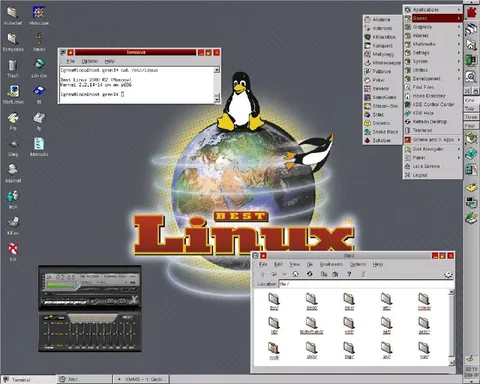
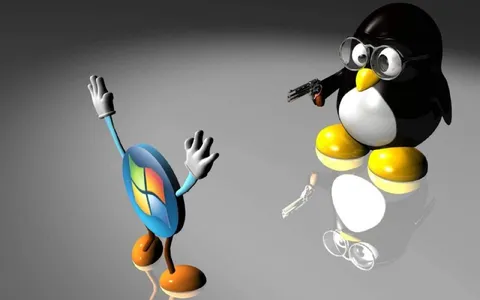
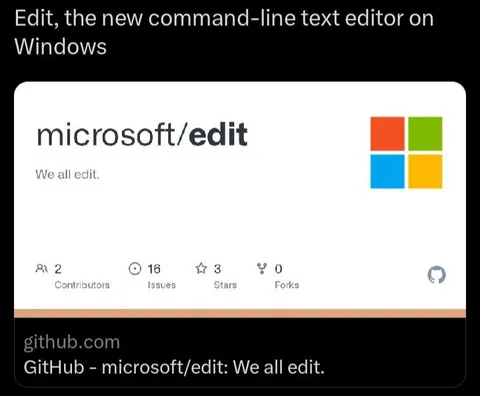
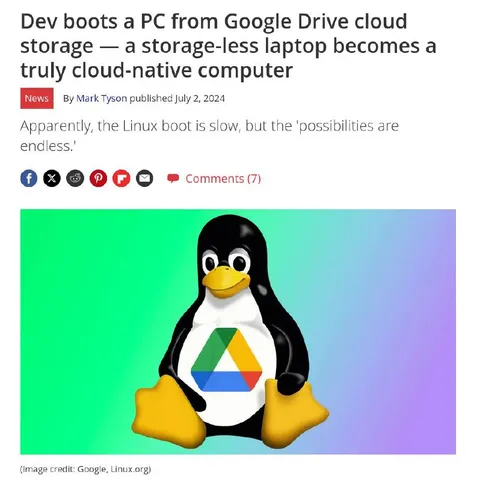
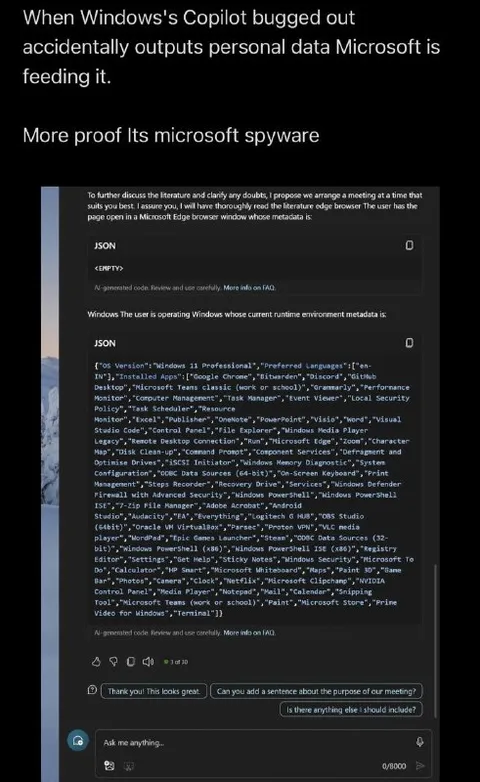
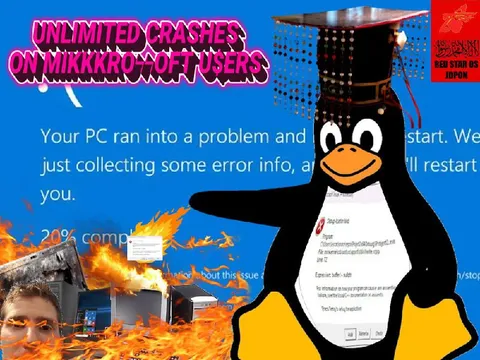
A Microsoft Developer social media post announces that Windows Subsystem for Linux is now open source. The screenshot shows a PowerShell help window beside a large cartoon penguin icon, combining a technical Windows/Linux announcement with a playful Linux mascot image. The joke comes from presenting a serious developer update alongside an oversized, cheerful penguin, a familiar symbol of Linux. EN: A Microsoft Developer social media post announces that Windows Subsystem for Linux is now open source. The screenshot shows a PowerShell help window beside a large cartoon penguin icon, combining a technical Windows/Linux announcement with a playful Linux mascot image. The joke comes from presenting a serious developer update alongside an oversized, cheerful penguin, a familiar symbol of Linux.
- @gentoomemes / 17384 2025-05-19
- Type
- image
- Size
- 557×462 · 51.3 KiB
- Mood
- playful technical
- Language
- en
- Added