Computer Wakes Up at 3 AM
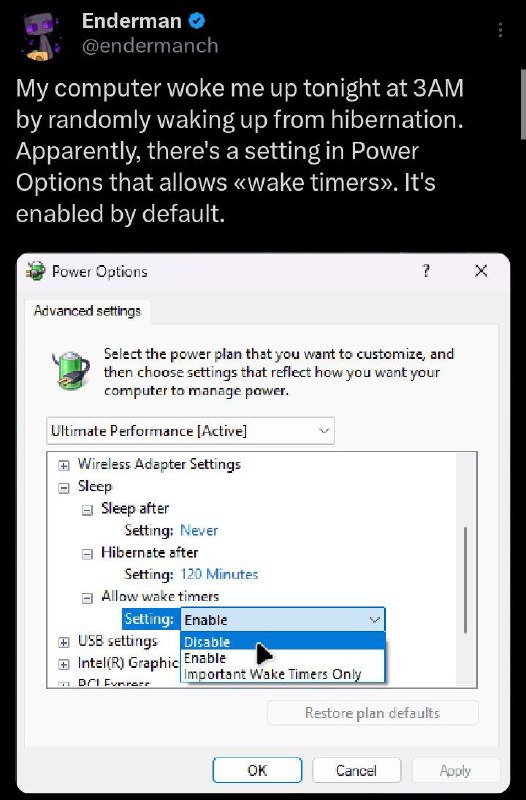
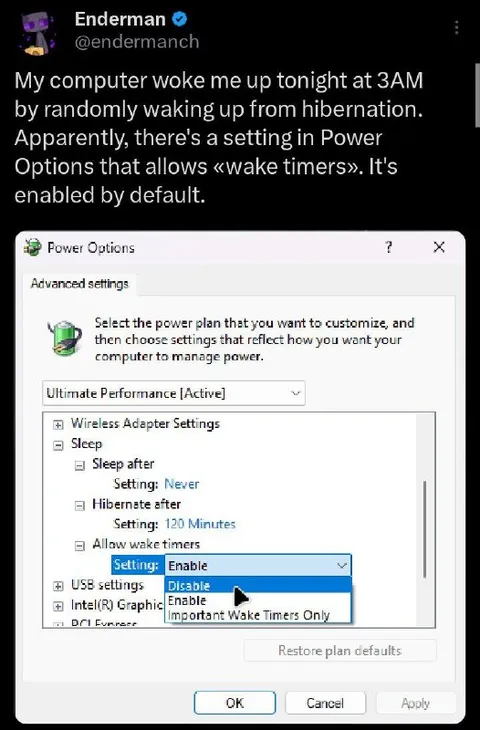
My computer woke me up tonight at 3AM by randomly waking up from hibernation. Apparently, there's a setting in Power Options that allows «wake timers». It's enabled by default. Power Options Advanced settings Select the power plan that you want to customize, and then choose settings that reflect how you want your computer to manage power. Ultimate Performance [Active] Wireless Adapter Settings Sleep Sleep after Setting: Never Hibernate after Setting: 120 Minutes Allow wake timers Setting: Enable Disable Enable Important Wake Timers Only USB settings Intel(R) Graphics Restore plan defaults OK Cancel Apply
A screenshot of a tweet says that the author’s computer woke them at 3 AM after randomly leaving hibernation. The attached Windows Power Options panel shows that “Allow wake timers” is enabled by default, making the computer seem annoyingly haunted or overly eager to wake up. EN: A screenshot of a tweet says that the author’s computer woke them at 3 AM after randomly leaving hibernation. The attached Windows Power Options panel shows that “Allow wake timers” is enabled by default, making the computer seem annoyingly haunted or overly eager to wake up.
computer / компьютерWindows power settings window / окно настроек питания Windowstweet screenshot / скриншот твитаmonitor screen / экран монитораpower plan dropdown / выпадающий список плана питанияsleep settings / настройки снаhibernate settings / настройки гибернацииwake timers dropdown / выпадающий список таймеров пробужденияmouse cursor / курсор мышиdark interface / тёмный интерфейсblue selection highlight / синяя подсветка выбора3 AM time / время 3 часа ночи
- @gentoomemes / 16053 2025-02-17
- Type
- image
- Size
- 526×800 · 81.0 KiB
- Mood
- sarcastic, annoyed
- Language
- en
- Added