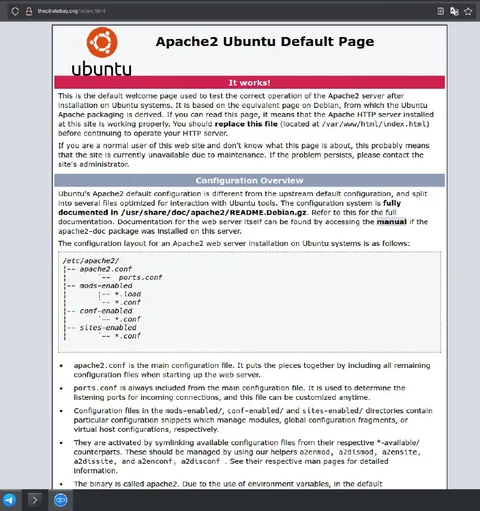
The Pirate Bay Apache Default Page
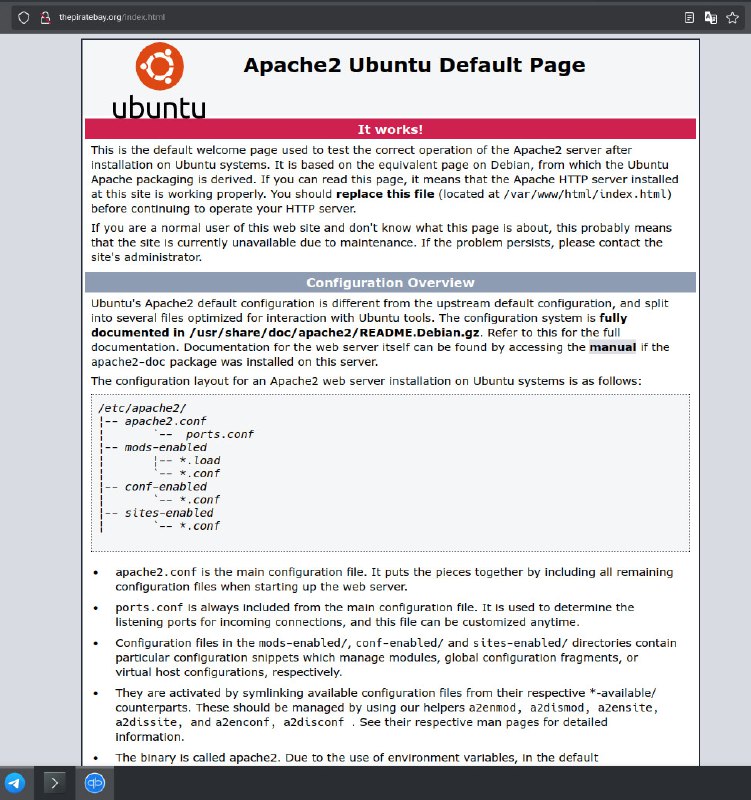
Apache2 Ubuntu Default Page ubuntu It works! This is the default welcome page used to test the correct operation of the Apache2 server after installation on Ubuntu systems. It is based on the equivalent page on Debian, from which the Ubuntu Apache packaging is derived. If you can read this page, it means that the Apache HTTP server installed at this site is working properly. You should replace this file (located at /var/www/html/index.html) before continuing to operate your HTTP server. If you are a normal user of the web site and don't know what this page is about, this probably means that the site is currently unavailable due to maintenance. If the problem persists, please contact the site's administrator. Configuration Overview Ubuntu's Apache2 default configuration is different from the upstream default configuration, and split into several files optimized for interaction with Ubuntu tools. The configuration system is fully documented in /usr/share/doc/apache2/README.Debian.gz. Refer to this for the full documentation. Documentation for the web server itself can be found by accessing the manual in the apache2-doc package was installed on this server. The configuration layout for an Apache2 web server installation on Ubuntu systems is as follows: /etc/Apache2/ -- apache2.conf -- ports.conf -- mods-enabled |-- *.load |-- *.conf -- conf-enabled |-- *.conf -- sites-enabled |-- *.conf apache2.conf is the main configuration file. It puts the pieces together by including all remaining configuration files when starting up the web server. ports.conf is always included from the main configuration file. It is used to determine the listening ports for incoming connections, and this file can be customized anytime. Configuration files in the mods-enabled/, conf-enabled/, and sites-enabled/ directories contain particular configuration snippets which manage modules, global configuration fragments, or virtual host configurations, respectively. They are activated by symlinking available configuration files from their respective *-available/ counterparts. These should be managed by using our helpers a2enmod, a2dismod, a2ensite, a2dissite, a2enconf, a2disconf. See their respective man pages for detailed information. The binary is called apache2. Due to the use of environment variables, in the default
A browser shows thepiratebay.org replaced by the standard Apache2 Ubuntu Default Page, with the prominent message “It works!”. The joke is that the famous site is unavailable or misconfigured, so visitors see a generic server setup page instead of the expected website; it is used as a reaction to a broken, dead, or badly configured site. EN: A browser shows thepiratebay.org replaced by the standard Apache2 Ubuntu Default Page, with the prominent message “It works!”. The joke is that the famous site is unavailable or misconfigured, so visitors see a generic server setup page instead of the expected website; it is used as a reaction to a broken, dead, or badly configured site.
browser window / окно браузераwebsite screenshot / скриншот сайтаApache server page / страница сервера ApacheUbuntu logo / логотип UbuntuUbuntu operating system / операционная система Ubuntured banner / красный баннерconfiguration overview / обзор конфигурацииtechnical documentation / техническая документацияmonospace code block / блок кода моноширинным шрифтомweb server / веб-серверaddress bar / адресная строкаscrollbar / полоса прокрутки
#apache#апач#ubuntu#убунту#server error#ошибка сервера#website down#сайт недоступен#misconfigured#неправильная настройка#maintenance#техническое обслуживание#the pirate bay#пиратская бухта#default page#страница по умолчанию#it works#оно работает#reaction#реакция#screenshot#скриншот#internet#интернет#webmaster#вебмастер
- @gentoomemes / 15850 2025-02-03
- Type
- image
- Size
- 751×800 · 149.1 KiB
- Mood
- ironic
- Language
- en
- Added