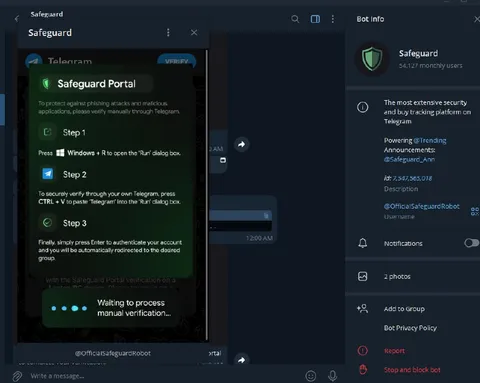
Safeguard Portal Malware Scam
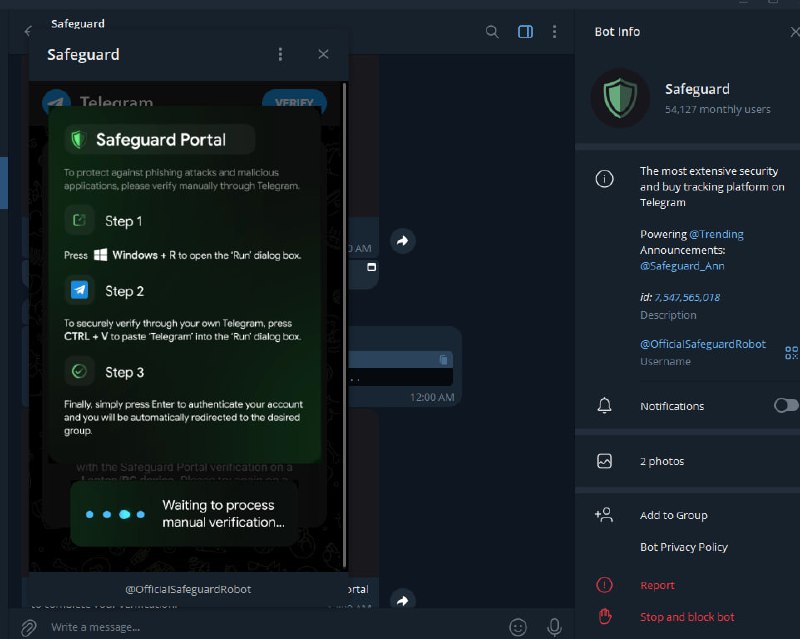
Safeguard Portal To protect against phishing attacks and malicious applications, please verify manually through Telegram. Step 1 Press ⊞ Windows + R to open the 'Run' dialog box. Step 2 To securely verify through your own Telegram, press CTRL + V to paste 'Telegram' into the 'Run' dialog box. Step 3 Finally, simply press Enter to authenticate your account and you will be automatically redirected to the desired group. Waiting to process manual verification...
A fake Telegram security bot displays a “Safeguard Portal” asking users to run a command through Windows Run and paste text to supposedly verify their identity. The joke is that this obvious phishing prompt offers malware instead of security, mocking scam channels that impersonate official accounts. EN: A fake Telegram security bot displays a “Safeguard Portal” asking users to run a command through Windows Run and paste text to supposedly verify their identity. The joke is that this obvious phishing prompt offers malware instead of security, mocking scam channels that impersonate official accounts.
Telegram chat interface / интерфейс чата Telegramfake security bot / поддельный бот безопасностиgreen shield icon / зелёный значок щитаverification portal / портал верификацииinstruction panel / панель с инструкциямиWindows logo / логотип Windowskeyboard shortcut / сочетание клавишchat messages / сообщения чатаbot profile / профиль ботаdark mode interface / интерфейс в тёмном режиме
- @gentoomemes / 15661 2025-01-22
- Type
- image
- Size
- 800×639 · 61.3 KiB
- Mood
- sarcastic
- Language
- en
- Added