Who Is Naming These Commands
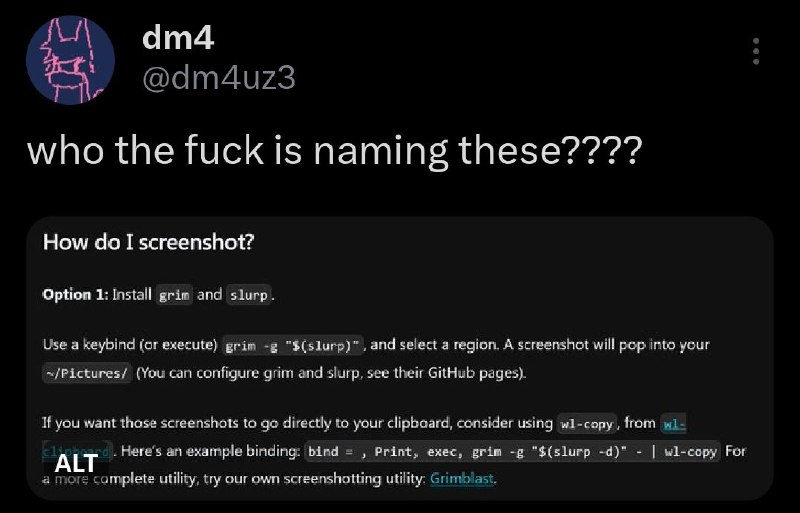
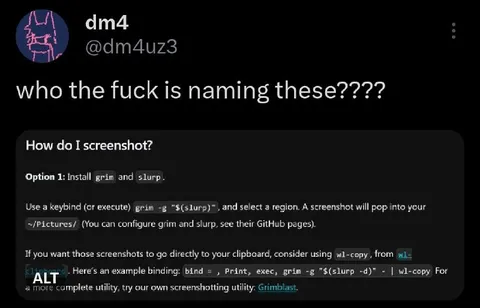
who the fuck is naming these???? How do I screenshot? Option 1: Install grim and slurp. Use a keybind (or execute) grim -g "$(slurp)" and select a region. A screenshot will pop into the ~/Pictures/ (You can configure grim and slurp, see their GitHub pages). If you want those screenshots to go directly to your clipboard, consider using wl-copy, from wl-clipboard. Here's an example binding: bind = , Print, exec, grim -g "$(slurp -d)" - | wl-copy For a more complete utility, try our own screenshotting utility: Grimblast.
A dark-mode social media screenshot shows someone reacting with confusion to the unusual names of Linux screenshot utilities, grim and slurp. The joke is that the command names sound like an absurd phrase when combined, making technical software naming seem unintentionally vulgar. It is used as a reaction to bizarre, suggestive, or confusing names. EN: A dark-mode social media screenshot shows someone reacting with confusion to the unusual names of Linux screenshot utilities, grim and slurp. The joke is that the command names sound like an absurd phrase when combined, making technical software naming seem unintentionally vulgar. It is used as a reaction to bizarre, suggestive, or confusing names.
social media post / публикация в соцсетиscreenshot / скриншотblack background / чёрный фонterminal command / команда терминалаLinux software / программа Linuxkeyboard shortcut / сочетание клавишclipboard / буфер обменаscreenshot utility / утилита для скриншотовtext / текстprofile avatar / аватар профиля
- @gentoomemes / 14192 2024-10-21
- Template
- tweet screenshot
- Type
- image
- Size
- 800×513 · 56.2 KiB
- Mood
- absurd, confused
- Language
- en
- Added