How to Uninstall Highguard
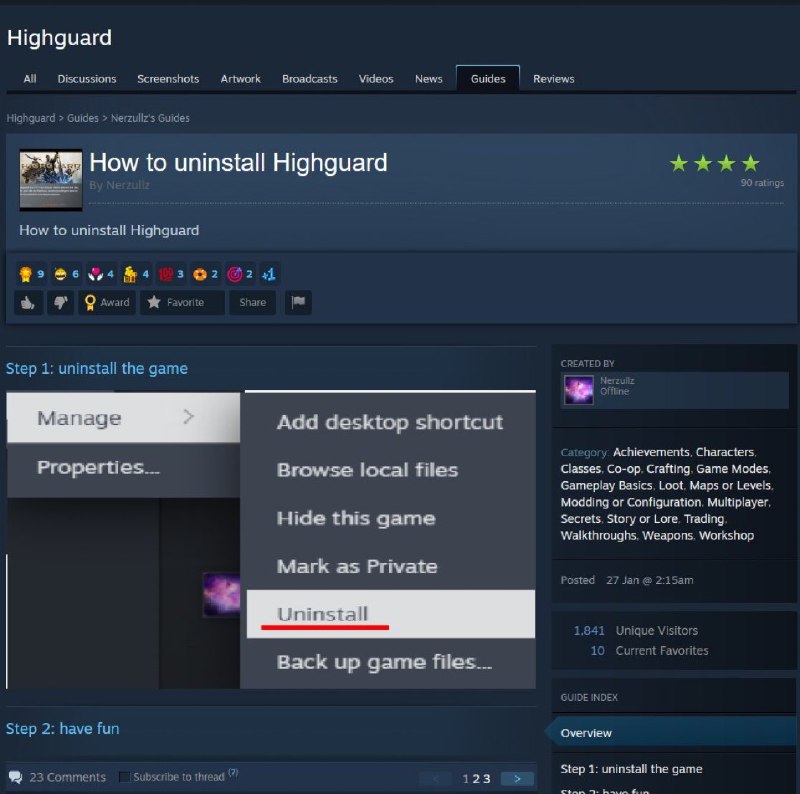
How to uninstall Highguard How to uninstall Highguard Step 1: uninstall the game Manage Properties... Add desktop shortcut Browse local files Hide this game Mark as Private Uninstall Back up game files... Step 2: have fun
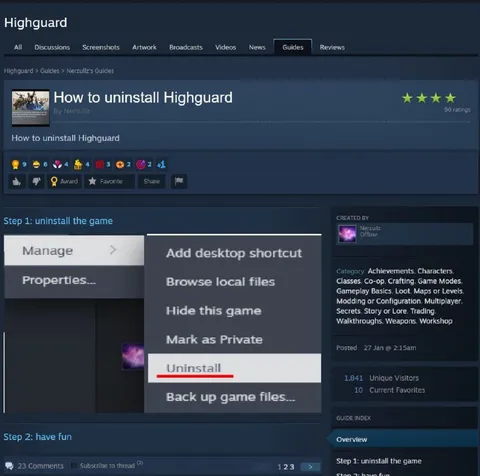
A Steam guide titled “How to uninstall Highguard” shows the uninstall option highlighted in red. The joke is that after uninstalling the game, the guide simply says “have fun,” implying the game was so unpleasant that removing it is the punchline and the best possible outcome. EN: A Steam guide titled “How to uninstall Highguard” shows the uninstall option highlighted in red. The joke is that after uninstalling the game, the guide simply says “have fun,” implying the game was so unpleasant that removing it is the punchline and the best possible outcome.
computer screen / экран компьютераSteam interface / интерфейс Steamgame guide page / страница руководства по игреgame title / название игрыuninstall menu / меню удаленияhighlighted uninstall option / выделенная опция удаленияred underline / красное подчёркиваниеmouse cursor / курсор мышиgame thumbnail / миниатюра игрыblue interface panels / синие панели интерфейсаstar rating / звёздный рейтингcomments section / раздел комментариев
- @eternalclassic / 83004 2026-02-06
- Type
- image
- Size
- 800×794 · 79.9 KiB
- Mood
- sarcastic
- Language
- en
- Added