PowerShell Base64 Obfuscation
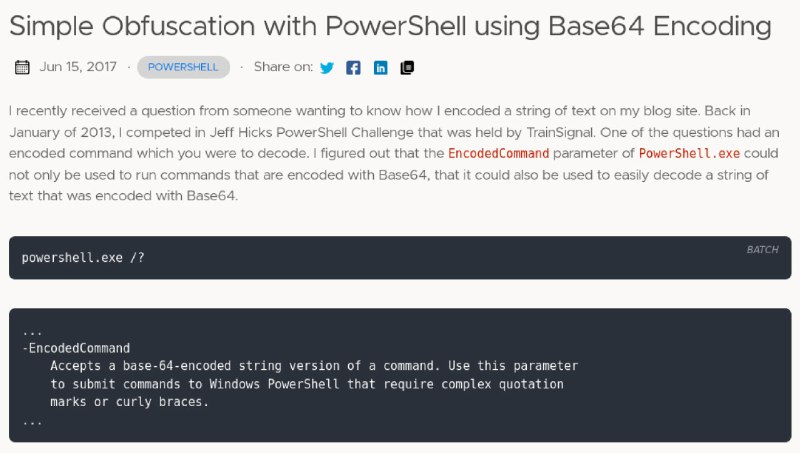
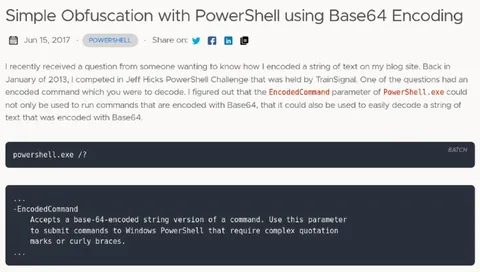
Simple Obfuscation with PowerShell using Base64 Encoding Jun 15, 2017 POWERSHELL Share on: I recently received a question from someone wanting to know how I encoded a string of text on my blog site. Back in January of 2013, I competed in Jeff Hicks PowerShell Challenge that was held by TrainSignal. One of the questions had an encoded command which you were to decode. I figured out that the EncodedCommand parameter of PowerShell.exe could not only be used to run commands that are encoded with Base64, that it could also be used to easily decode a string of text that was encoded with Base64. powershell.exe /? ... -EncodedCommand Accepts a base-64-encoded string version of a command. Use this parameter to submit commands to Windows PowerShell that require complex quotation marks or curly braces. ...
A screenshot of a technical blog post explains how PowerShell’s EncodedCommand parameter can run Base64-encoded commands and decode encoded text. The joke is that Base64 obfuscation looks suspicious and is often used to disguise a potentially dangerous command, making this a reaction to deceptive or shady computer instructions.
computer screen / экран компьютераtechnical blog post / техническая запись в блогеPowerShell logo / логотип PowerShellcode block / блок кодаterminal command / команда терминалаBase64 encoding / кодирование Base64text paragraph / текстовый абзацdate label / метка датыsocial media icons / иконки социальных сетейdark interface panel / тёмная панель интерфейса
#powershell#base64#encoded command#закодированная команда#obfuscation#обфускация#cybersecurity#кибербезопасность#malware#вредоносное по#terminal#терминал#command line#командная строка#hacker#хакер#suspicious#подозрительный#reaction#реакция#screenshot#скриншот#tech meme#технический мем#computer#компьютер
- @gentoomemes / 12871 2024-08-18
- Type
- image
- Size
- 800×453 · 58.4 KiB
- Mood
- sarcastic, suspicious
- Language
- en
- Added