Excel Date Section Gets Worse
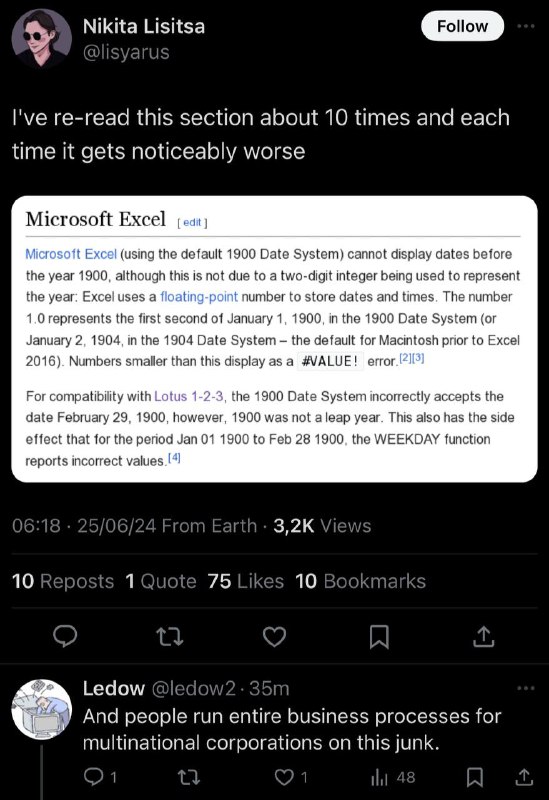
I've re-read this section about 10 times and each time it gets noticeably worse Microsoft Excel Microsoft Excel (using the default 1900 Date System) cannot display dates before the year 1900, although this is not due to a two-digit integer being used to represent the year: Excel uses a floating-point number to store dates and times. The number 1.0 represents the first second of January 1, 1900, in the 1900 Date System (or January 2, 1904, in the 1904 Date System – the default for Macintosh prior to Excel 2016). Numbers smaller than this display as a #VALUE! error. For compatibility with Lotus 1-2-3, the 1900 Date System incorrectly accepts the date February 29, 1900, however, 1900 was not a leap year. This also has the side effect that for the period Jan 01 1900 to Feb 28 1900, the WEEKDAY function reports incorrect values. And people run entire business processes for multinational corporations on this junk.
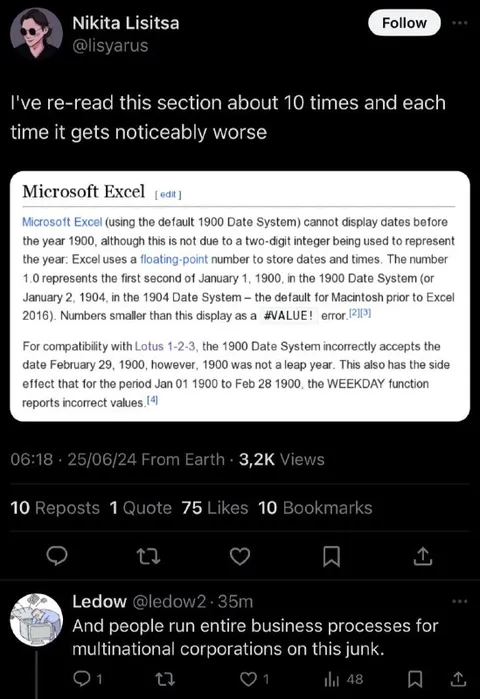
A screenshot of a social media post shows someone rereading a Microsoft Excel documentation section about the flawed 1900 date system, including the fake February 29, 1900 leap day inherited for compatibility with Lotus 1-2-3. A reply jokes that multinational corporations run entire business processes on this unreliable software, turning technical frustration into an absurd reaction to Excel’s widespread use. EN: A screenshot of a social media post shows someone rereading a Microsoft Excel documentation section about the flawed 1900 date system, including the fake February 29, 1900 leap day inherited for compatibility with Lotus 1-2-3. A reply jokes that multinational corporations run entire business processes on this unreliable software, turning technical frustration into an absurd reaction to Excel’s widespread use.
- @gentoomemes / 11983 2024-06-25
- Type
- image
- Size
- 549×800 · 87.6 KiB
- Mood
- саркастичный, абсурдный
- Language
- en
- Added