KDE SuperKaramba Desktop Guide
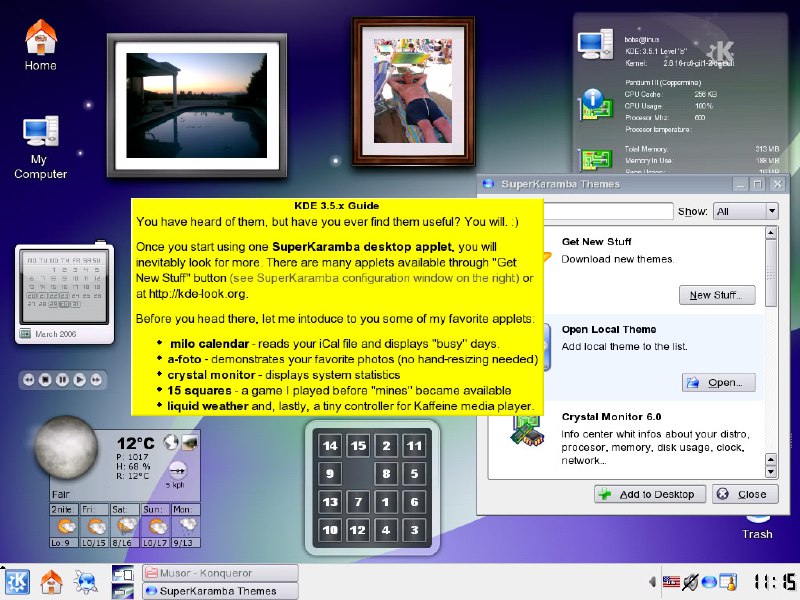
KDE 3.5x Guide You have heard of them, but have you ever find them useful? You will. :) Once you start using one SuperKaramba desktop applet, you will inevitably look for more. There are many applets available through "Get New Stuff" button (see SuperKaramba configuration window on the right) or at http://kde-look.org. Before you head there, let me introduce you to some of my favorite applets: • milo calendar - reads your iCal file and displays "busy" days. • a-foto - demonstrates your favorite photos (no hand-resizing needed) • crystal monitor - displays system statistics • 15 squares - a game I played before "mines" became available • liquid weather - and, lastly, a tiny controller for Kaffeine media player.
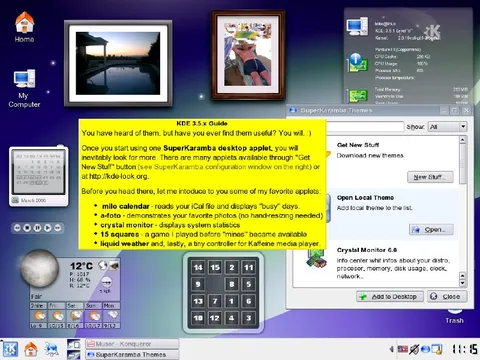
A KDE 3.5 desktop screenshot is crowded with SuperKaramba widgets, including a calendar, weather monitor, photo frame, system monitor, puzzle game, and media controls. The yellow guide humorously presents desktop applets as addictive “useful” extras, joking that once you install one, you will inevitably keep looking for more. EN: A KDE 3.5 desktop screenshot is crowded with SuperKaramba widgets, including a calendar, weather monitor, photo frame, system monitor, puzzle game, and media controls. The yellow guide humorously presents desktop applets as addictive “useful” extras, joking that once you install one, you will inevitably keep looking for more.
KDE desktop / рабочий стол KDEyellow guide window / жёлтое окно руководстваdesktop applets / виджеты рабочего столаphoto frame / фоторамкаswimming pool photo / фотография бассейнаcalendar widget / виджет календаряweather widget / виджет погодыmoon icon / значок луныdigital clock / цифровые часыsystem monitor / системный мониторcalculator-like puzzle grid / сетка головоломки в виде калькулятораmedia player controls / элементы управления медиаплееромtaskbar / панель задачcomputer monitor / монитор компьютераtrash can / корзинаblue desktop background / синий фон рабочего столаfolder icons / значки папок
- @gentoomemes / 11326 2024-05-17
- Type
- image
- Size
- 800×600 · 127.0 KiB
- Mood
- nostalgic, humorous
- Language
- en
- Added