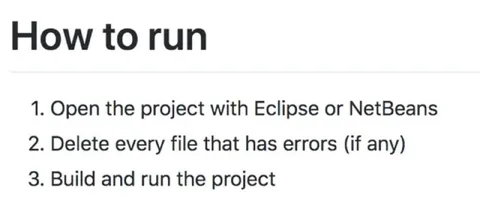
How to Run a Project
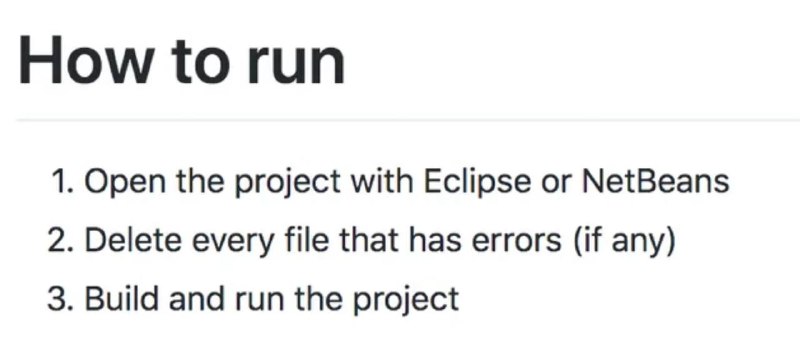
How to run 1. Open the project with Eclipse or NetBeans 2. Delete every file that has errors (if any) 3. Build and run the project
A text-based programming meme lists absurdly simple instructions for running a project: open it in Eclipse or NetBeans, delete every file with errors, then build and run. The joke is that deleting broken files is presented as a practical debugging method, reflecting careless or novice coding habits. EN: A text-based programming meme lists absurdly simple instructions for running a project: open it in Eclipse or NetBeans, delete every file with errors, then build and run. The joke is that deleting broken files is presented as a practical debugging method, reflecting careless or novice coding habits.
text document / текстовый документheading / заголовокnumbered list / нумерованный списокprogramming project / проект программированияcomputer code / компьютерный кодerror message / сообщение об ошибкеEclipse IDE / IDE EclipseNetBeans IDE / IDE NetBeanssoftware build / сборка программного обеспеченияsoftware development / разработка программного обеспечения
- @about50posts / 13684 2024-03-29
- Type
- image
- Size
- 800×364 · 27.8 KiB
- Mood
- sarcastic
- Language
- en
- Added