99% Battery and Endless Warnings
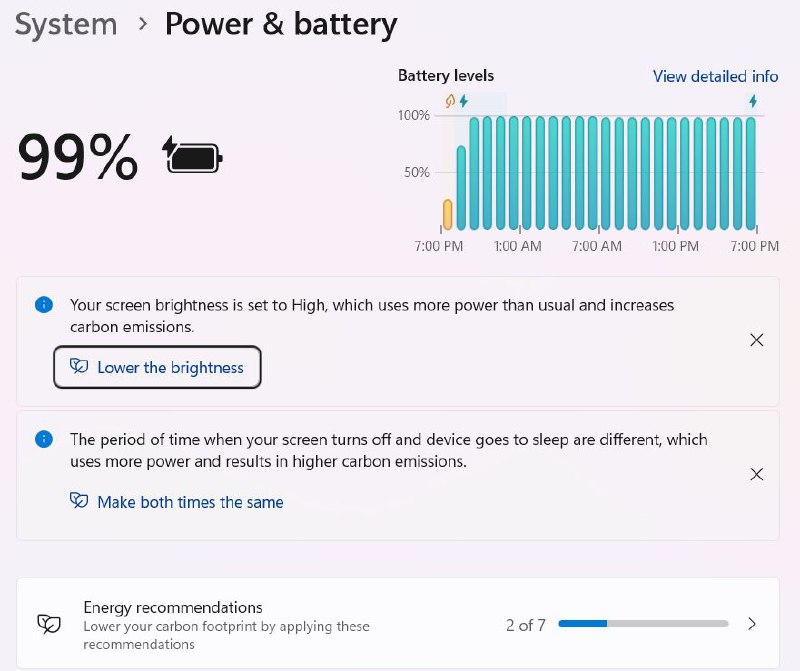
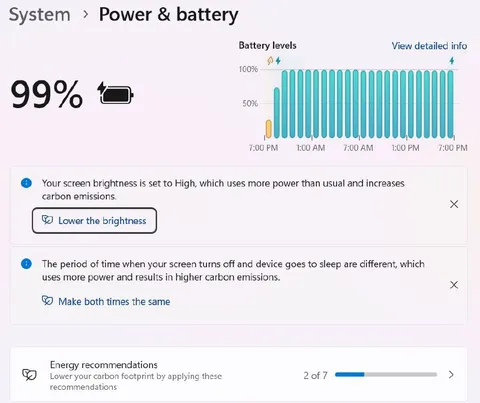
System Power & battery Battery levels View detailed info 100% 50% 7:00 PM 1:00 AM 7:00 AM 1:00 PM 7:00 PM 99% Your screen brightness is set to High, which uses more power than usual and increases carbon emissions. Lower the brightness The period of time when your screen turns off and device goes to sleep are different, which uses more power and results in higher carbon emissions. Make both times the same Energy recommendations Lower your carbon footprint by applying these recommendations 2 of 7
A Windows Power & battery settings screen shows the device at 99% battery while displaying a long series of energy and carbon-emission warnings. The joke is the absurd contrast between having almost a full battery and still receiving repeated recommendations to save power, making the computer seem comically overprotective about energy use.
laptop settings screen / экран настроек ноутбукаbattery icon / значок батареи99 percent charge / заряд 99 процентовbattery level chart / график уровня батареиblue bars / синие столбикиyellow bar / жёлтый столбикlightning bolt / молнияbrightness warning / предупреждение о яркостиsleep settings warning / предупреждение о настройках снаinformation icons / информационные значкиclose buttons / кнопки закрытияLower the brightness button / кнопка «Уменьшить яркость»Make both times the same button / кнопка «Сделать оба времени одинаковыми»energy recommendations panel / панель рекомендаций по энергосбережениюprogress indicator / индикатор прогрессаcarbon emissions message / сообщение о выбросах углерода
- @gentoomemes / 6327 2023-09-15
- Type
- image
- Size
- 800×671 · 70.6 KiB
- Mood
- ironic, absurd
- Language
- en
- Added