Windows 11 Without Bloatware
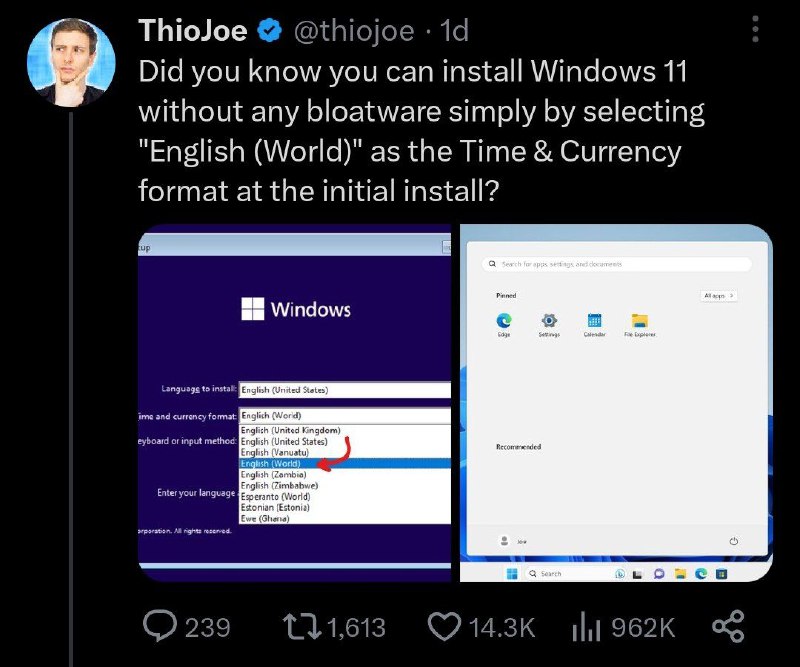
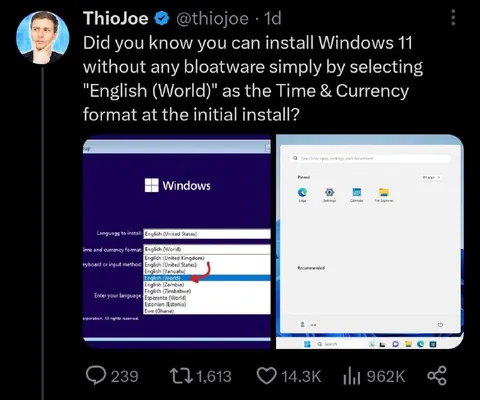
Did you know you can install Windows 11 without any bloatware simply by selecting "English (World)" as the Time & Currency format at the initial install? Windows Languages to install: English (United States) Time and currency format: English (World) Keyboard or input method: English (United States) Enter your language English (World) English (United Kingdom) English (United States) English (Vanuatu) English (World) English (Zambia) English (Zimbabwe) Esperanto (World) Estonian (Estonia) Ewe (Ghana) Search for apps, settings, and documents Pinned All apps Recommended Search
A tweet claims that selecting “English (World)” during Windows 11 installation removes the operating system’s bloatware. The joke is that this obscure regional setting is presented as a secret trick, while the screenshots show the installation menu and a clean Windows desktop. It is shared as a humorous reaction to bloated software and questionable tech tips.
tweet screenshot / скриншот твитаWindows 11 installation screen / экран установки Windows 11Windows logo / логотип Windowslanguage selection menu / меню выбора языкаdropdown list / выпадающий списокcomputer desktop / рабочий стол компьютераStart menu / меню «Пуск»search bar / строка поискаapp icons / значки приложенийblue interface / синий интерфейсblack background / чёрный фонsocial media interface / интерфейс социальной сети
- @gentoomemes / 5610 2023-08-03
- Type
- image
- Size
- 800×667 · 79.5 KiB
- Mood
- саркастичный, абсурдный
- Language
- en
- Added