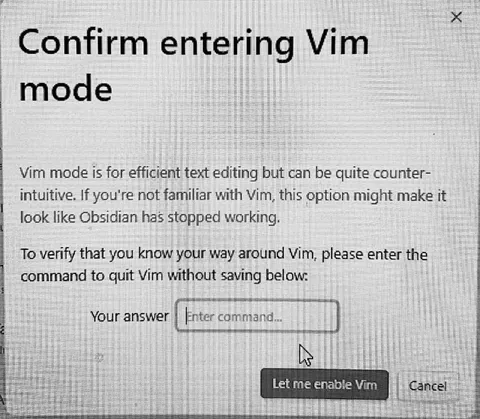
Confirm Entering Vim Mode
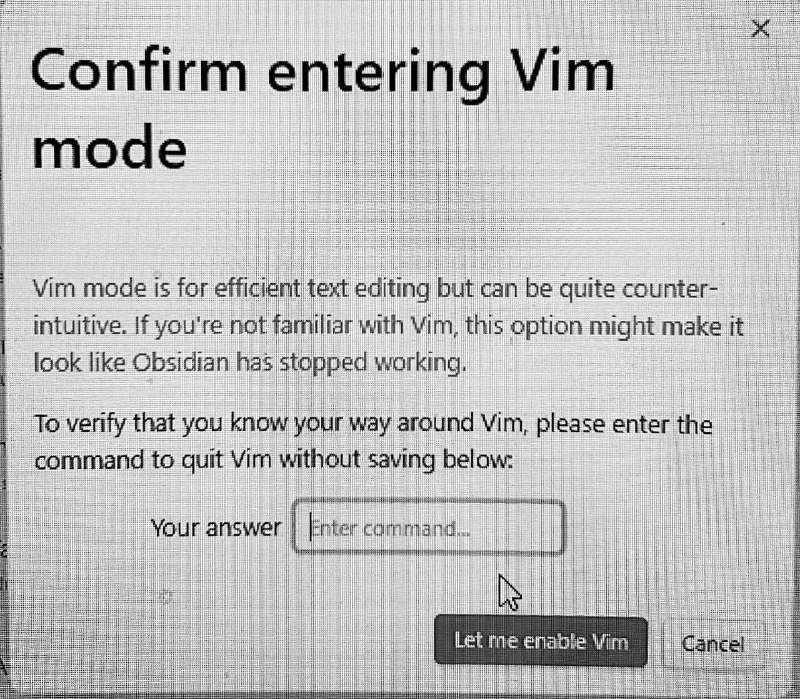
Confirm entering Vim mode Vim mode is for efficient text editing but can be quite counter-intuitive. If you're not familiar with vim, this option might make it look like Obsidian has stopped working. To verify that you know your way around Vim, please enter the command to quit Vim without saving below: Your answer Enter command... Let me enable Vim Cancel
A screenshot of an Obsidian dialog asking the user to confirm enabling Vim mode and enter the command for quitting Vim without saving. The joke is that Vim is famously confusing for beginners, and the dialog tests whether the user actually knows the escape command before enabling it. EN: A screenshot of an Obsidian dialog asking the user to confirm enabling Vim mode and enter the command for quitting Vim without saving. The joke is that Vim is famously confusing for beginners, and the dialog tests whether the user actually knows the escape command before enabling it.
software dialog / диалоговое окно программыcomputer screen / экран компьютераtext editor / текстовый редакторinput field / поле вводаmouse cursor / курсор мышиclose button / кнопка закрытияbutton / кнопкаuser interface / пользовательский интерфейсblack text / чёрный текстwhite background / белый фон
- @gentoomemes / 4369 2023-05-03
- Type
- image
- Size
- 800×699 · 212.9 KiB
- Mood
- саркастичный, абсурдный
- Language
- en
- Added