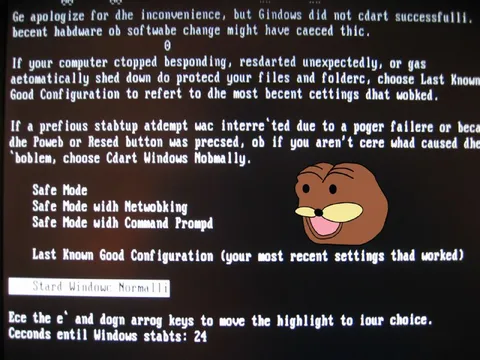
Gindows Did Not Dart Successfully
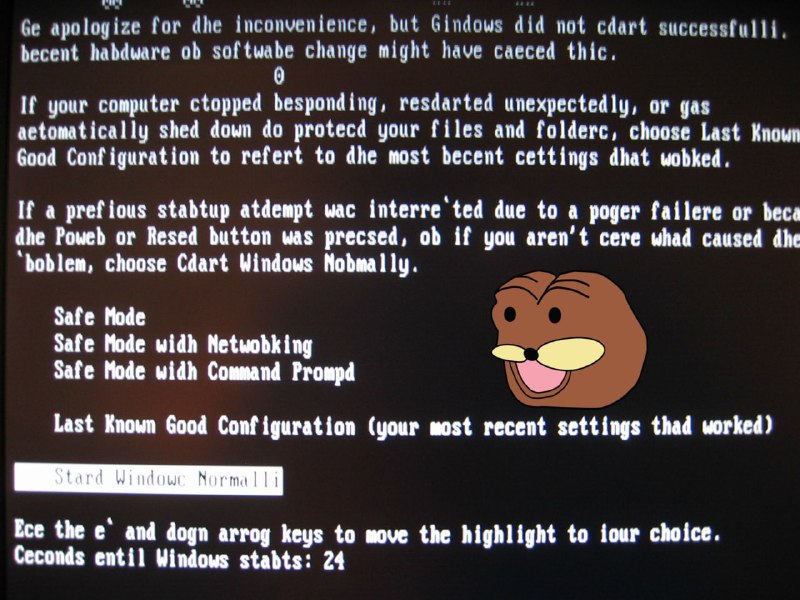
Ge apologize for the inconvenience, but Gindows did not dart successfully. becent hadware ob software change might have caeced thic. If your computer stopped responding, restarted unexpectedly, or gas automatically shed down do protect your files and folders, choose Last Known Good Configuration to refer to the most recent settings that worked. If a previous statubup attempt wac interre`ted due to a power fallere or beca the Power or Resed button was precsed, ob if you aren't cere what caused the `blem, choose Cdart Windows Normally. Safe Mode Safe Mode with Netwobking Safe Mode with Command Prompt Last Known Good Configuration (your most recent settings thad worked) Stard Windows Normally Ece the e` and down arrow keys to move the highlight to your choice. Cecnds entil Windows stabts: 24
На экране показана искажённая заставка запуска Windows с ошибками и странным коричневым мультяшным персонажем рядом с меню безопасного режима. Шутка заключается в намеренно сломанном тексте и абсурдной замене системного сообщения мемным персонажем, поэтому изображение отправляют как реакцию на компьютерный сбой, нелепую ошибку или ситуацию, когда всё пошло не так. EN: A distorted Windows startup screen with misspelled text is shown, along with a strange brown cartoon character beside the safe mode menu. The joke comes from the intentionally broken system message and the absurd meme character replacing a normal error screen, so the image is used as a reaction to a computer crash, a ridiculous error, or a situation where everything went wrong.
- @gentoomemes / 4248 2023-04-29
- Template
- Windows startup error screen
- Type
- image
- Size
- 800×600 · 109.4 KiB
- Mood
- absurd, glitchy
- Language
- en
- Added