RetroGPT Fixes Sound Blaster
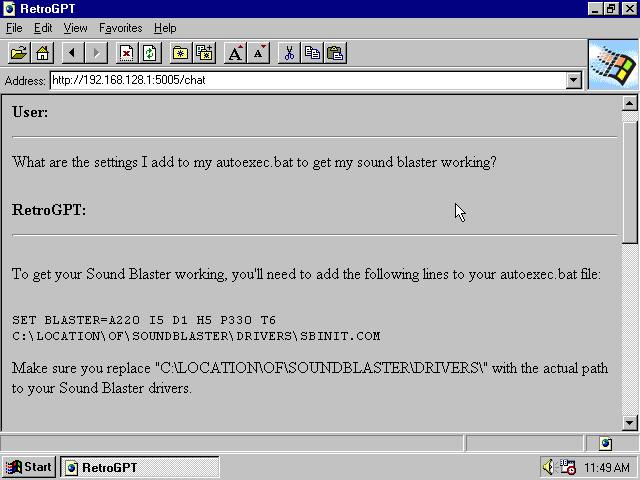
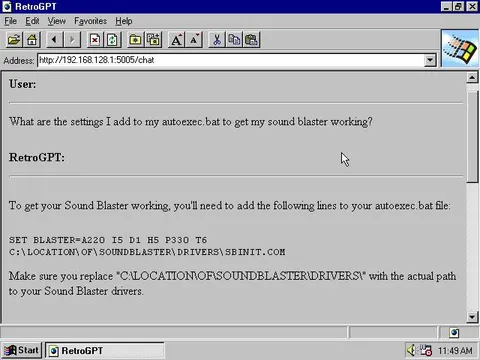
What are the settings I add to my autoexec.bat to get my sound blaster working? RetroGPT: To get your Sound Blaster working, you'll need to add the following lines to your autoexec.bat file: SET BLASTER=A220 I5 D1 H5 P330 T6 C:\LOCATION\OF\SOUNDBLASTER\DRIVERS\SBINIT.COM Make sure you replace "C:\LOCATIONOFSOUNDBLASTER\DRIVERS\" with the actual path to your Sound Blaster drivers.
A retro Windows 95-style browser window shows a user asking RetroGPT how to configure an autoexec.bat file for a Sound Blaster. RetroGPT provides DOS environment settings and a driver initialization command, humorously presenting modern AI assistance in an old-computer interface. It is used as a nostalgic reaction to technical support, retro computing, or overly specific troubleshooting. EN: A retro Windows 95-style browser window shows a user asking RetroGPT how to configure an autoexec.bat file for a Sound Blaster. RetroGPT provides DOS environment settings and a driver initialization command, humorously presenting modern AI assistance in an old-computer interface. It is used as a nostalgic reaction to technical support, retro computing, or overly specific troubleshooting.
- @gentoomemes / 3487 2023-03-30
- Type
- image
- Size
- 640×480 · 39.8 KiB
- Mood
- nostalgic, absurd
- Language
- en
- Added