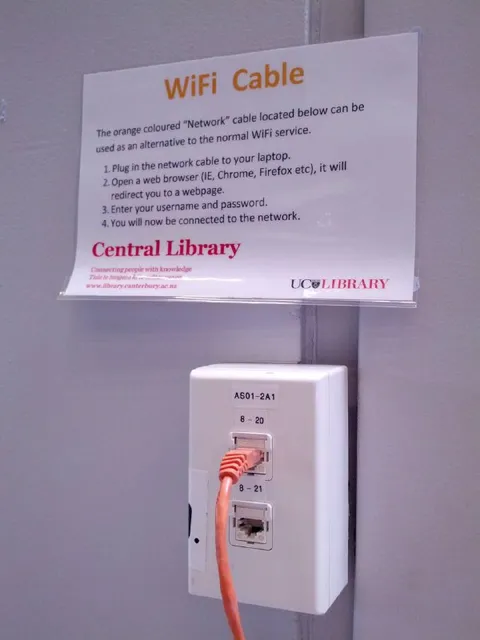
Library WiFi Cable
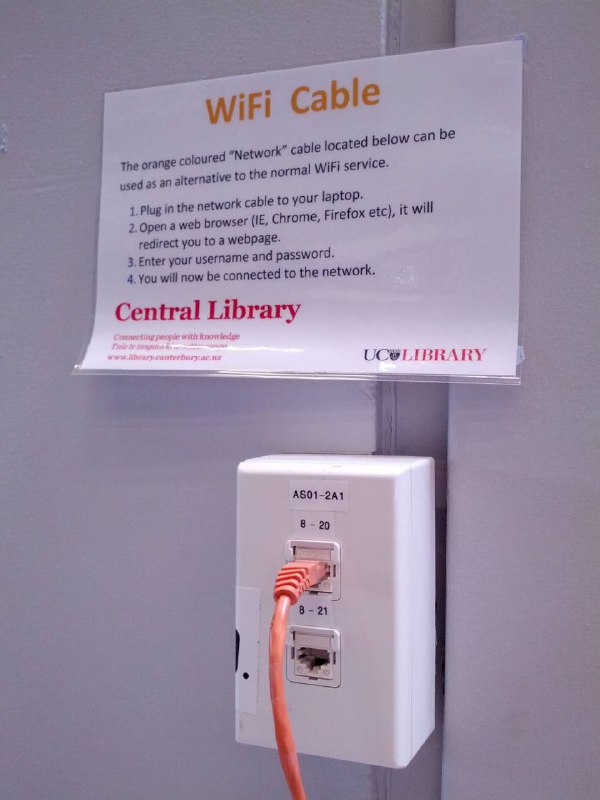
WiFi Cable The orange coloured “Network” cable located below can be used as an alternative to the normal WiFi service. 1. Plug in the network cable to your laptop. 2. Open a web browser (IE, Chrome, Firefox etc), it will redirect you to a webpage. 3. Enter your username and password. 4. You will now be connected to the network. Central Library Connecting people with knowledge Take the journey... www.library.canterbury.ac.nz UC LIBRARY AS01–2A1 8–20 8–21
A library sign humorously presents a physical orange Ethernet cable as an alternative to WiFi. The joke comes from treating a wired network connection as if it were a quirky local substitute for wireless internet, making it a reaction to outdated or inconvenient technology.
library sign / табличка библиотекиorange Ethernet cable / оранжевый Ethernet-кабельwall network outlet / настенная сететвая розеткаEthernet port / Ethernet-портwhite wall plate / белая настенная панельgrey wall / серая стенаprinted instructions / напечатанная инструкцияlaptop reference / упоминание ноутбукаweb browser reference / упоминание веб-браузераlibrary logo / логотип библиотеки
- @right_wing_dev_squads / 1003 2021-01-19
- @gentoomemes / 1679 2022-12-27
- @right_wing_dev_squads / 11098 2024-12-13
- Type
- image
- Size
- 600×800 · 60.3 KiB
- Mood
- absurd, sarcastic
- Language
- en
- Added