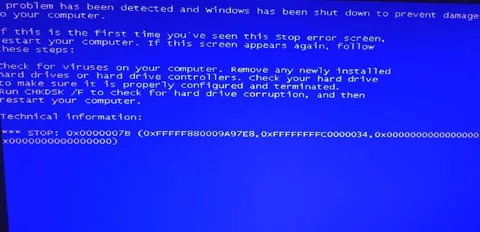
Windows Blue Screen of Death
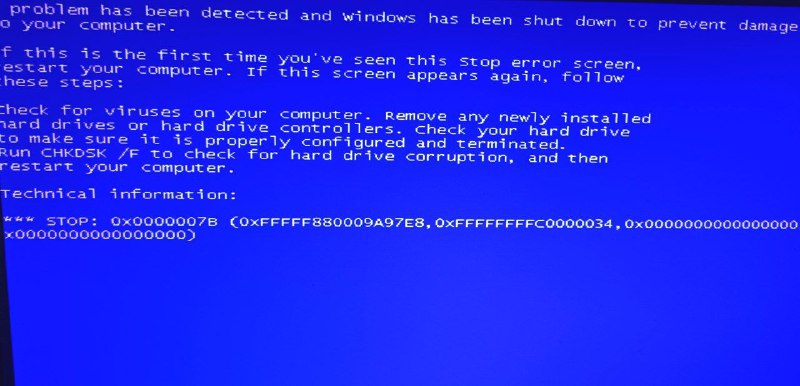
or problem has been detected and windows has been shut down to prevent damage to your computer. f this is the first time you've seen this Stop error screen, restart your computer. If this screen appears again, follow these steps: heck for viruses on your computer. Remove any newly installed hard drives or hard drive controllers. Check your hard drive to make sure it is properly configured and terminated. Run CHKDSK /F to check for hard drive corruption, and then restart your computer. Technical information: *** STOP: 0x0000007B (0xFFFFF880009A97E8, 0xFFFFFFFFC0000034, 0x0000000000000000)
A classic Windows blue screen error fills the image with technical instructions and a STOP code. It is used as an absurd reaction to a computer crash, failure, panic, or a situation that has gone completely wrong.
- @sbunem / 22767 2022-05-22
- Template
- Windows Blue Screen of Death (BSOD)
- Type
- image
- Size
- 800×386 · 62.6 KiB
- Mood
- absurd, panicked
- Language
- en
- Added