Customising Windows Controls
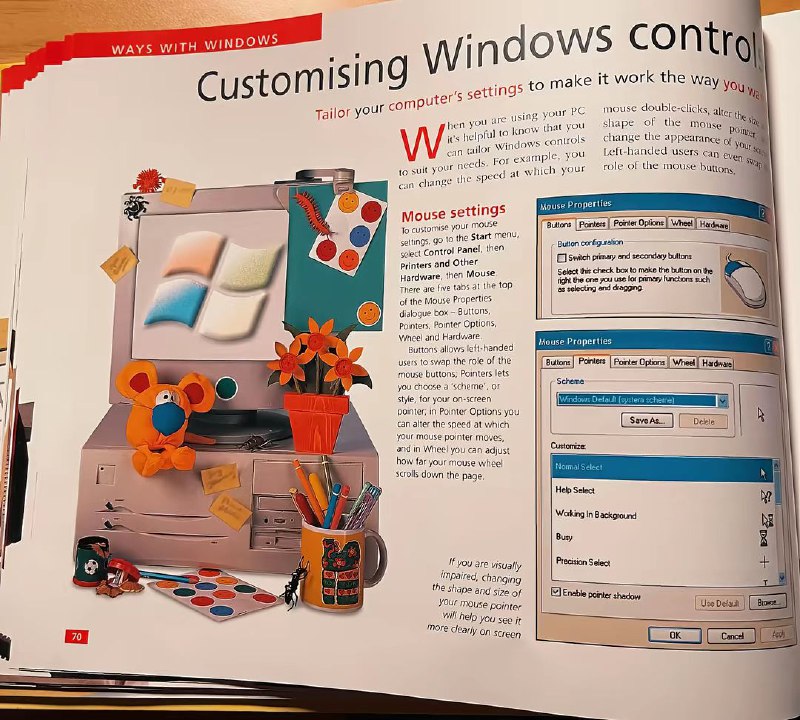
WAYS WITH WINDOWS Customising Windows controls Tailor your computer's settings to make it work the way you want. Mouse settings Mouse Properties Buttons Pointers Pointer Options Wheel Hardware Button configuration Select primary and secondary buttons Select this check box to make the button on the right the one you use for primary functions such as selecting and dragging. Scheme Windows Default (system scheme) Save As... Delete Customize Normal Select Help Select Working in Background Busy Precision Select Enable pointer shadow Use Default Browse OK Cancel Apply If you are visually impaired, changing the shape and size of your mouse pointer will help you see it more clearly on screen. 70
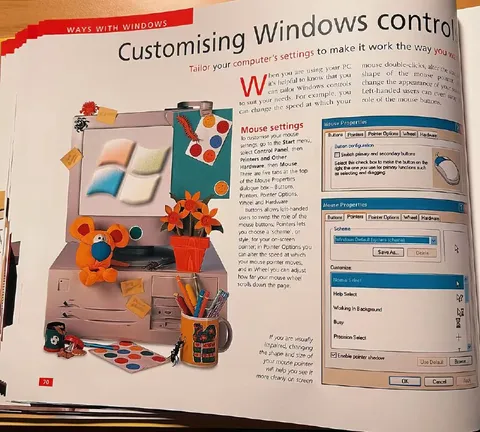
An open “Ways with Windows” computer manual explains how to customize mouse controls, surrounded by a deliberately nostalgic Windows-themed desk scene with a monitor, toy mouse, flowers, stationery, and old interface screenshots. The joke is the exaggeratedly retro presentation: ordinary Windows settings are treated like a carefully styled lifestyle setup, evoking early-2000s computer culture and nostalgic office aesthetics. EN: An open “Ways with Windows” computer manual explains how to customize mouse controls, surrounded by a deliberately nostalgic Windows-themed desk scene with a monitor, toy mouse, flowers, stationery, and old interface screenshots. The joke is the exaggeratedly retro presentation: ordinary Windows settings are treated like a carefully styled lifestyle setup, evoking early-2000s computer culture and nostalgic office aesthetics.
- @pokupkabitka / 50544 2025-05-27
- Type
- image
- Size
- 800×720 · 146.7 KiB
- Mood
- nostalgic, absurd
- Language
- en
- Added