React Native in Virtual Reality
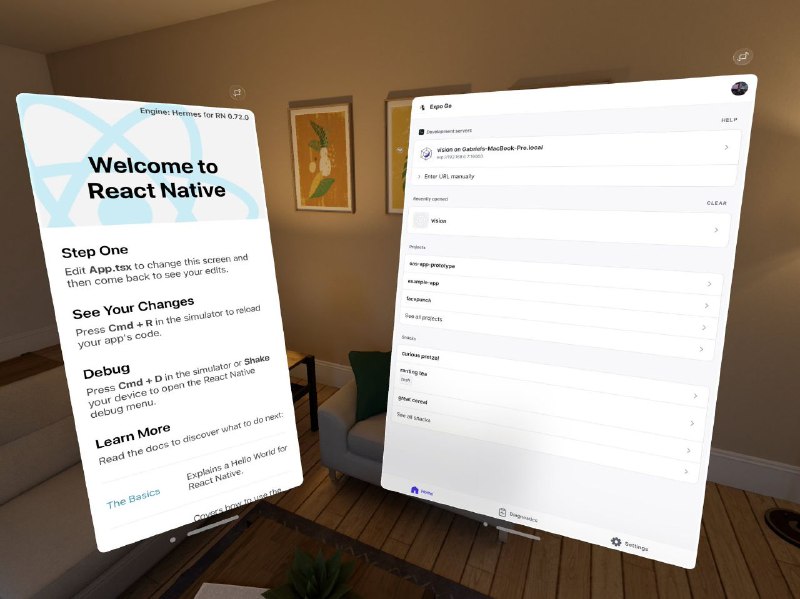
Engine: Hermes for RN 0.72.0 Welcome to React Native Step One Edit App.tsx to change this screen and then come back to see your edits. See Your Changes Press Cmd + R in the simulator to reload your app's code. Debug Press Cmd + D in the simulator or Shake your device to open the React Native debug menu. Learn More Read the docs to discover what to do next. The Basics Explains a Hello World for React Native. Expo Go HELP Development servers vision on Gabriels-MacBook-Pro.local Enter URL manually Recently visited CLEAR vision Projects exp-app-prototype example-app for launch See all projects Snacks Curious pizza Fishing flea Short crowd See all snacks Home Experiments Settings
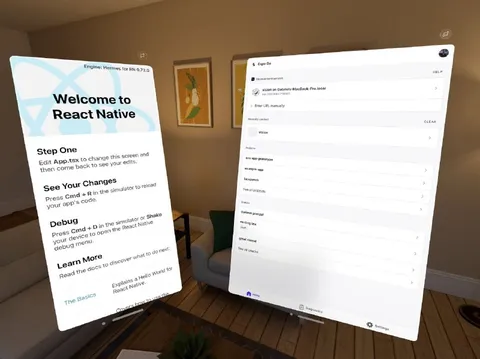
Floating React Native and Expo Go development screens appear inside a living room, as if the software interfaces were physical objects in virtual reality. The joke is the surreal collision of ordinary app development with an immersive VR environment, making debugging and coding feel dramatically over-the-top. EN: Floating React Native and Expo Go development screens appear inside a living room, as if the software interfaces were physical objects in virtual reality. The joke is the surreal collision of ordinary app development with an immersive VR environment, making debugging and coding feel dramatically over-the-top.
floating software panels / парящие программные панелиvirtual reality room / комната виртуальной реальностиReact Native welcome screen / приветственный экран React NativeExpo Go interface / интерфейс Expo Goliving room / гостинаяarmchair / креслоwooden floor / деревянный полcoffee table / журнальный столикwall paintings / картины на стенеplant / растениеdoorway / дверной проёмdevelopment app / приложение для разработкиcomputer code / компьютерный код
- @pokupkabitka / 25951 2023-06-22
- Type
- image
- Size
- 800×599 · 66.2 KiB
- Mood
- absurd, surreal
- Language
- en
- Added