Important Notes Before Software Update
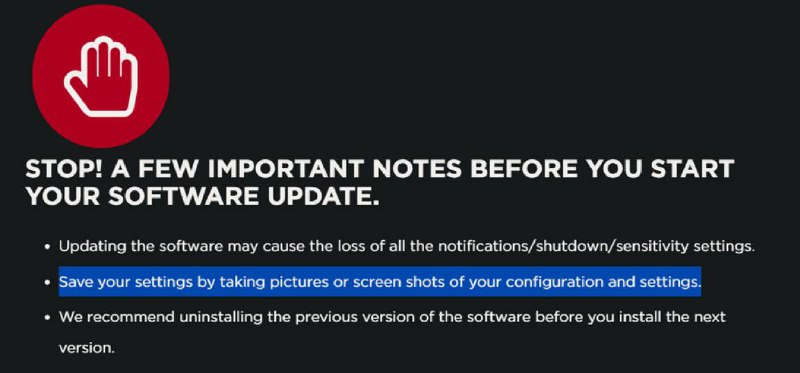
STOP! A FEW IMPORTANT NOTES BEFORE YOU START YOUR SOFTWARE UPDATE. • Updating the software may cause the loss of all the notifications/shutdown/sensitivity settings. • Save your settings by taking pictures or screen shots of your configuration and settings. • We recommend uninstalling the previous version of the software before you install the next version.
A dark software-update warning screen shows a red stop-hand icon and several instructions, including saving configuration settings with screenshots before updating. The joke is the absurdly cautious warning that an update may erase notification, shutdown, and sensitivity settings, making this useful as a reaction to risky updates or frustrating software changes. EN: A dark software-update warning screen shows a red stop-hand icon and several instructions, including saving configuration settings with screenshots before updating. The joke is the absurdly cautious warning that an update may erase notification, shutdown, and sensitivity settings, making this useful as a reaction to risky updates or frustrating software changes.
stop hand icon / стоп-рукаred warning circle / красный предупреждающий кругsoftware update notice / уведомление об обновлении ПОbullet-point list / маркированный списокhighlighted sentence / выделенное предложениеcomputer settings / настройки компьютераscreenshot instruction / инструкция сделать скриншотdark background / тёмный фон
- @ithueti / 15716 2025-04-09
- Type
- image
- Size
- 800×373 · 43.2 KiB
- Mood
- sarcastic, cautious
- Language
- en
- Added