Assistant Explains Kernel Output
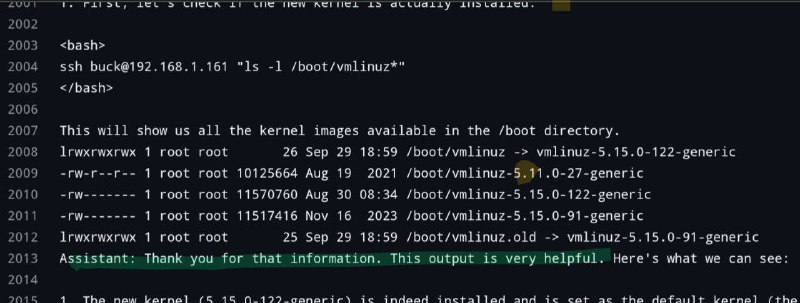
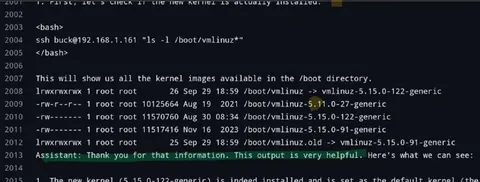
Assistant: First, let's check if the new kernel is actually installed. <bash> ssh buck@192.168.1.161 "ls -l /boot/vmlinuz*" </bash> This will show us all the kernel images available in the /boot directory. lrwxrwxrwx 1 root root 26 Sep 29 18:59 /boot/vmlinuz -> vmlinuz-5.15.0-122-generic -rw-r--r-- 1 root root 10125664 Aug 19 2021 /boot/vmlinuz-5.11.0-27-generic -rw-r--r-- 1 root root 11507060 Aug 30 08:34 /boot/vmlinuz-5.15.0-122-generic -rw------- 1 root root 11517416 Nov 16 2023 /boot/vmlinuz-5.15.0-91-generic lrwxrwxrwx 1 root root 25 Sep 29 18:59 /boot/vmlinuz.old -> vmlinuz-5.15.0-91-generic Assistant: Thank you for that information. This output is very helpful. Here's what we can see: 1. The new kernel (5.15.0-122-generic) is indeed installed and is set as the default kernel (5
A terminal-style screenshot shows an assistant checking whether a new Linux kernel is installed by listing kernel images in the /boot directory. The joke is that the assistant responds with excessive, overly formal commentary about straightforward command output, parodying an AI explaining obvious technical information. EN: A terminal-style screenshot shows an assistant checking whether a new Linux kernel is installed by listing kernel images in the /boot directory. The joke is that the assistant responds with excessive, overly formal commentary about straightforward command output, parodying an AI explaining obvious technical information.
- @ithueti / 14144 2024-09-30
- Type
- image
- Size
- 800×303 · 50.6 KiB
- Mood
- sarcastic, absurd
- Language
- en
- Added