Broken Linux Screen Locker
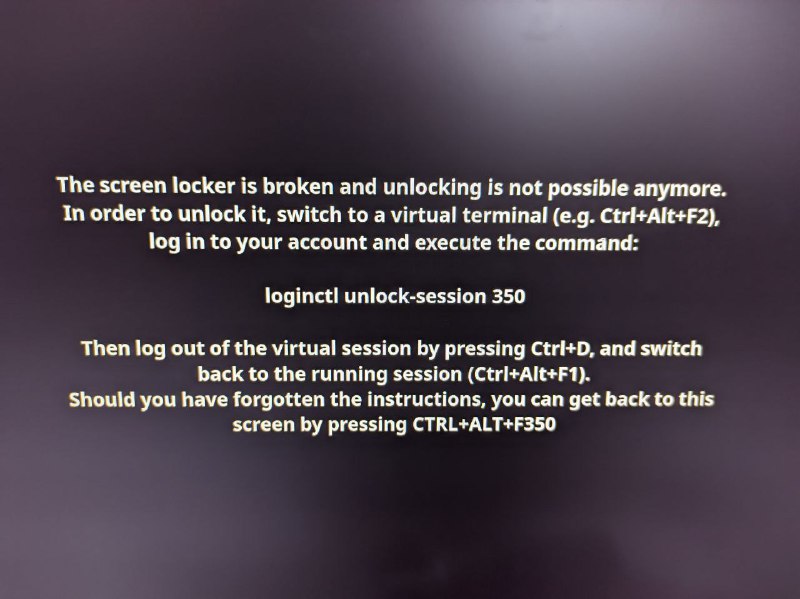
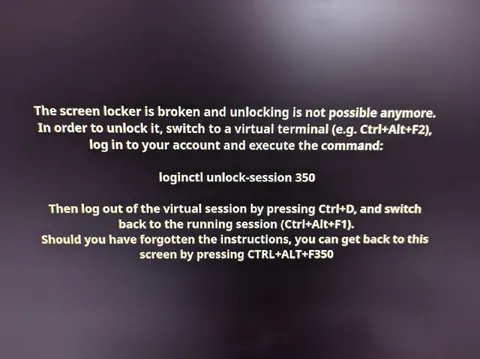
The screen locker is broken and unlocking is not possible anymore. In order to unlock it, switch to a virtual terminal (e.g. Ctrl+Alt+F2), log in to your account and execute the command: loginctl unlock-session 350 Then log out of the virtual session by pressing Ctrl+D, and switch back to the running session (Ctrl+Alt+F1). Should you have forgotten the instructions, you can get back to this screen by pressing CTRL+ALT+F350
A blurry photograph shows a Linux screen displaying recovery instructions for a broken screen locker. The joke is that the instructions include an absurd shortcut, CTRL+ALT+F350, making the already confusing technical situation even more ridiculous. It is used as a reaction to impossible or overly complicated computer problems.
- @ithueti / 10959 2023-11-21
- Type
- image
- Size
- 800×599 · 63.8 KiB
- Mood
- absurd, sarcastic
- Language
- en
- Added