57-Pixel iPhone Icons
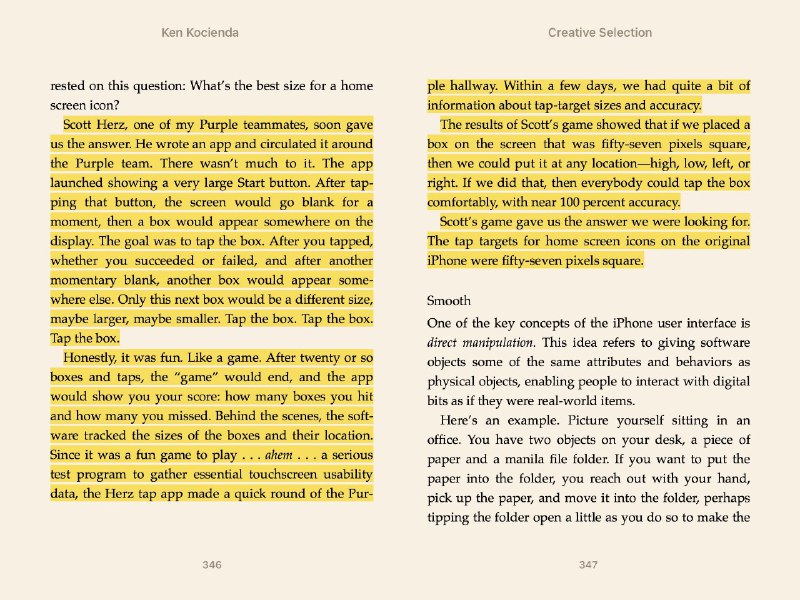
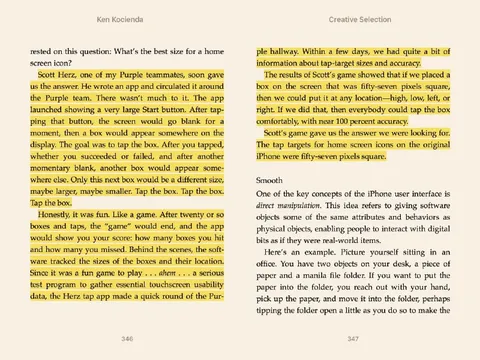
Ken Kocienda Creative Selection rested on this question: What’s the best size for a home screen icon? Scott Herz, one of my Purple teammates, soon gave us the answer. He wrote an app and circulated it around the Purple team. There wasn’t much to it. The app launched showing a very large Start button. After tapping that button, the screen would go blank for a moment, then a box would appear somewhere on the display. The goal was to tap the box. After you tapped, whether you succeeded or failed, and after another momentary blank, another box would appear somewhere else. Only this next box would be a different size, maybe larger, maybe smaller. Tap the box. Tap the box. Tap the box. Honestly, it was fun. Like a game. After twenty or so boxes and taps, the “game” would end, and the app would show you your score: how many boxes you hit and how many you missed. Behind the scenes, the software tracked the sizes of the boxes and their location. Since it was a fun game to play . . . ahem . . . a serious test program to gather essential touchscreen usability data, the Herz tap app made a quick round of the Pur- ple hallway. Within a few days, we had quite a bit of information about tap-target sizes and accuracy. The results of Scott’s game showed that if we placed a box on the screen that was fifty-seven pixels square, then we could put it at any location—high, low, left, or right. If we did that, then everybody could tap the box comfortably, with near 100 percent accuracy. Scott’s game gave us the answer we were looking for. The tap targets for home screen icons on the original iPhone were fifty-seven pixels square. Smooth One of the key concepts of the iPhone user interface is direct manipulation. This idea refers to giving software objects some of the same attributes and behaviors as physical objects, enabling people to interact with digital bits as if they were real-world items. Here’s an example. Picture yourself sitting in an office. You have two objects on your desk, a piece of paper and a manila file folder. If you want to put the paper into the folder, you reach out with your hand, pick up the paper, and move it onto the folder, perhaps tipping the folder open a little as you do so to make the 346 347
The image shows highlighted pages from Ken Kocienda’s book “Creative Selection,” describing how Apple tested different touchscreen tap-target sizes for the original iPhone. A simple game revealed that 57-by-57-pixel icon targets could be tapped comfortably and accurately anywhere on the screen, explaining the classic iPhone icon dimensions. EN: The image shows highlighted pages from Ken Kocienda’s book “Creative Selection,” describing how Apple tested different touchscreen tap-target sizes for the original iPhone. A simple game revealed that 57-by-57-pixel icon targets could be tapped comfortably and accurately anywhere on the screen, explaining the classic iPhone icon dimensions.
open book / книгаbook pages / страницы книгиhighlighted text / выделенный текстyellow highlighter / жёлтый маркерparagraphs / абзацыpage numbers / номера страницiPhone icon / иконка iPhonetouchscreen / сенсорный экранsquare box / квадратный блокStart button / кнопка Startdesk / письменный столpiece of paper / лист бумагиmanila file folder / папка из манильской бумаги
- @ithueti / 481 2018-11-21
- Type
- image
- Size
- 800×600 · 141.7 KiB
- Mood
- informative, ironic
- Language
- en
- Added