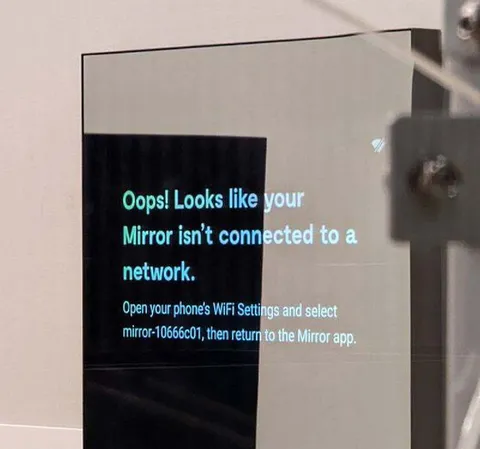
Mirror Isn’t Connected to a Network
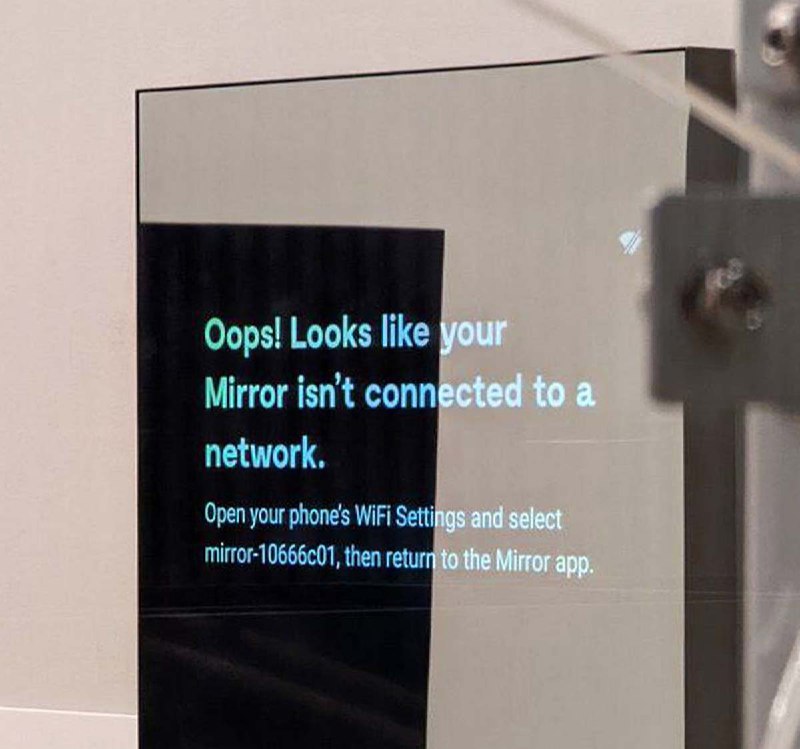
Oops! Looks like your Mirror isn’t connected to a network. Open your phone's WiFi Settings and select mirror-10666c01, then return to the Mirror app.
A smart mirror displays a Wi-Fi connection error while showing instructions to connect a phone to the mirror’s network. The joke is that even the mirror cannot see or connect to itself, making it a relatable reaction to technical difficulties or an awkward failure. EN: A smart mirror displays a Wi-Fi connection error while showing instructions to connect a phone to the mirror’s network. The joke is that even the mirror cannot see or connect to itself, making it a relatable reaction to technical difficulties or an awkward failure.
- @afrosidemoon / 62920 2024-02-10
- Type
- image
- Size
- 800×749 · 67.6 KiB
- Mood
- absurd, relatable
- Language
- en
- Added