16.5 GB Image Scaling
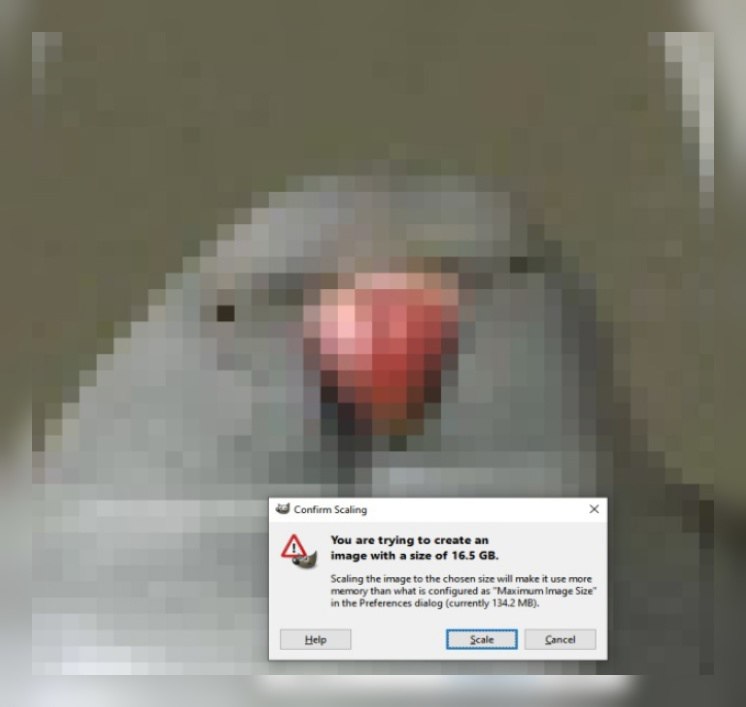
Confirm Scaling You are trying to create an image with a size of 16.5 GB. Scaling the image to the chosen size will make it use more memory than what is configured as "Maximum Image Size" in the Preferences dialog (currently 134.2 MB). Help Scale Cancel
A pixelated image is shown behind a scaling confirmation dialog warning that the image will be 16.5 GB, vastly exceeding the configured memory limit. The absurdly huge file size is the joke, making this useful as a reaction to excessive file sizes, overengineering, or an unexpectedly large task.
scaling dialog / диалог масштабированияpixelated image / пикселизированное изображениеred warning icon / красный значок предупрежденияcomputer software window / окно компьютерной программыgray interface / серый интерфейсimage preview / предварительный просмотр изображенияdialog buttons / кнопки диалогаmemory warning / предупреждение о памяти
- @eternalclassic / 32466 2023-05-12
- @jeppa420 / 30579 2023-05-12
- @gentoomemes / 4499 2023-05-12
- @rzeczyzabawne / 8964 2023-05-12
- Type
- image
- Size
- 746×707 · 35.7 KiB
- Mood
- absurd, humorous
- Language
- en
- Added