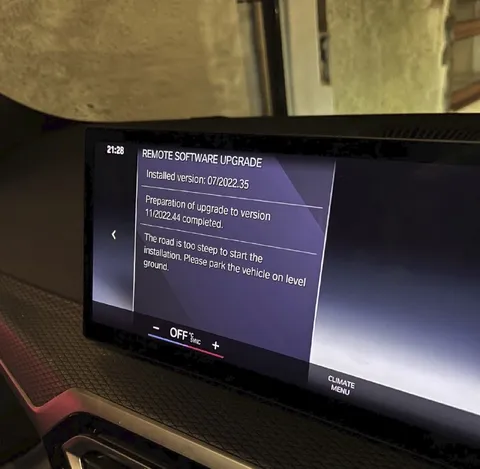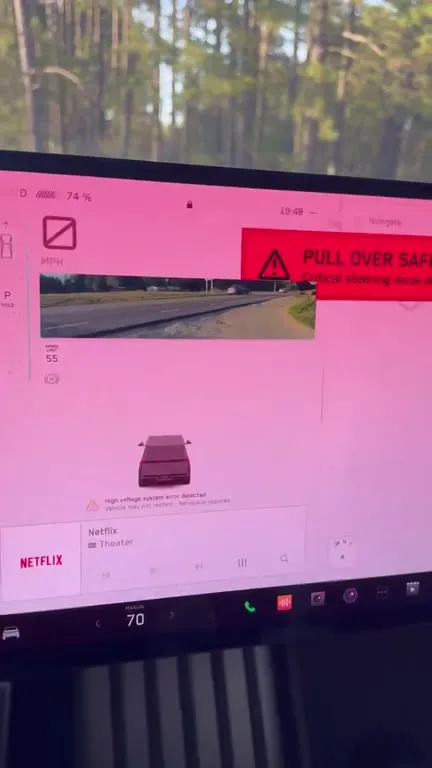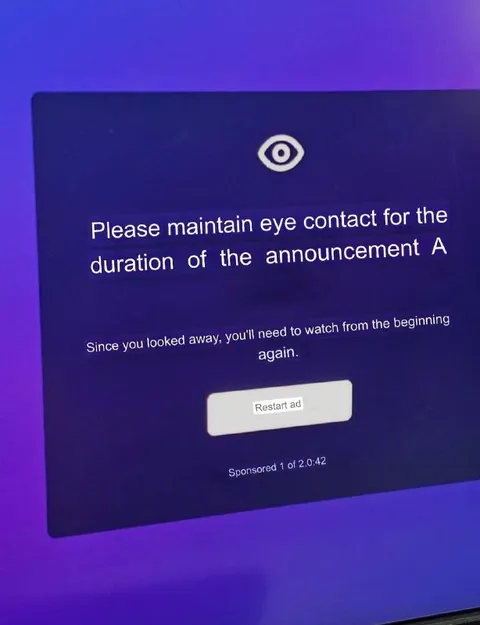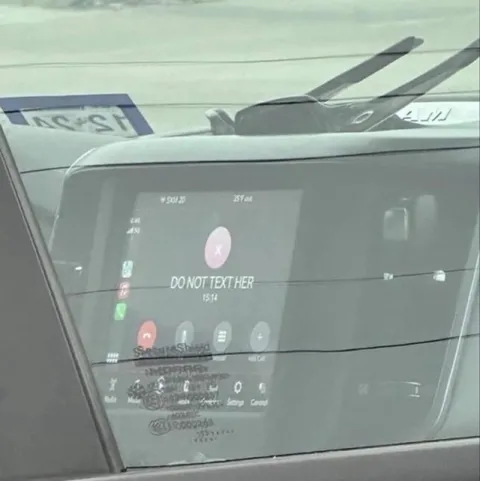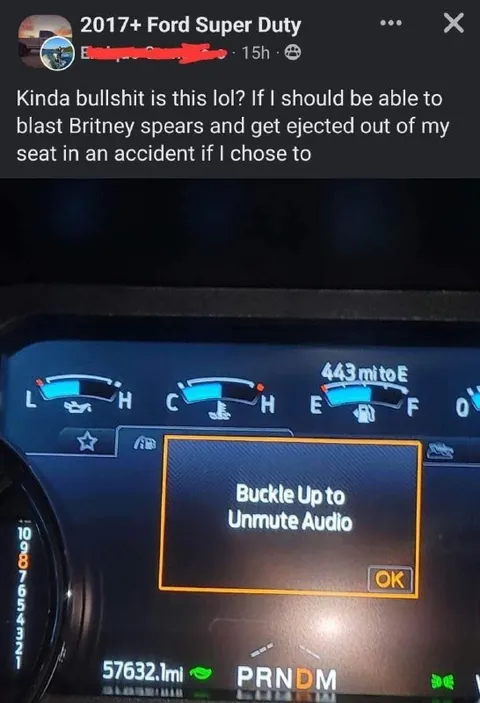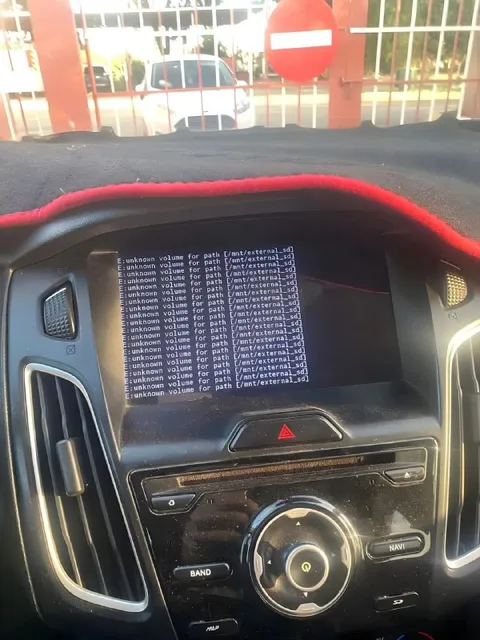
Ford Software Update Disaster
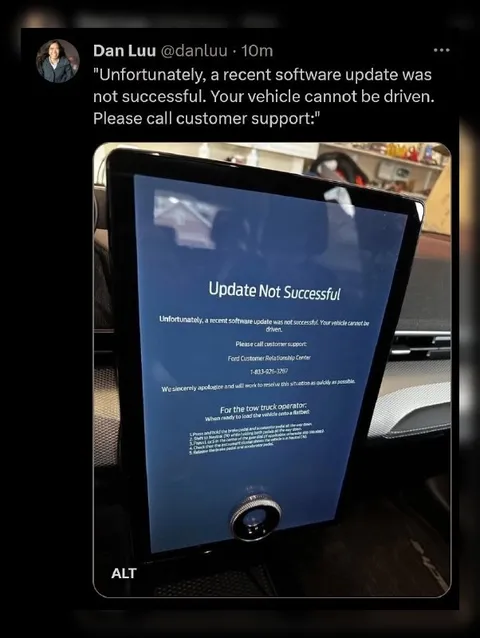
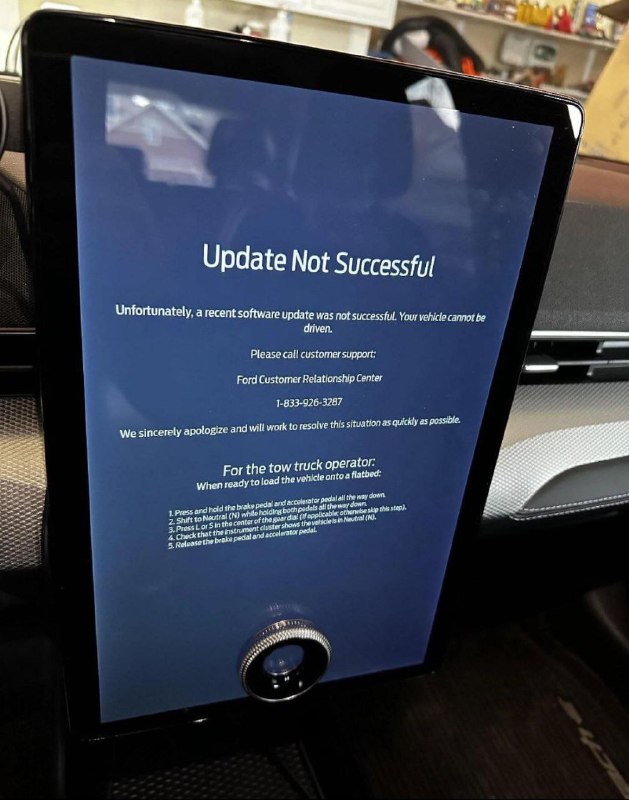
Update Not Successful Unfortunately, a recent software update was not successful. Your vehicle cannot be driven. Please call customer support: Ford Customer Relationship Center 1-833-926-3287 We sincerely apologize and will work to resolve the situation as quickly as possible. For the tow truck operator: When ready to load the vehicle onto a flatbed: 1. Press and hold the brake pedal and accelerator pedal all the way down. 2. Shift to Neutral (N) while holding both pedals. 3. Push or turn the center of the steering wheel (if applicable) until the instrument cluster shows the vehicle is in Neutral (N). 4. Check that the instrument cluster shows the vehicle is in Neutral (N). 5. Release the brake pedal and accelerator pedal.
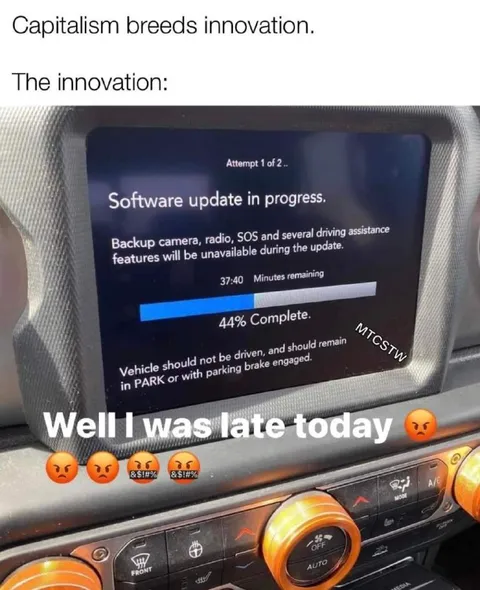
A car display shows a failed software update and warns that the vehicle cannot be driven. It then provides detailed instructions for a tow-truck operator to load the car onto a flatbed. The joke is that a routine software update has effectively bricked the vehicle, creating an absurdly elaborate recovery procedure.
car dashboard / приборная панель автомобиляvehicle display screen / экран автомобиляblack touchscreen frame / чёрная рамка сенсорного экранаsoftware error message / сообщение об ошибке программного обеспеченияsteering wheel control knob / ручка управления на рулеdashboard vents / вентиляционные отверстия приборной панелиcar interior / салон автомобиляflatbed tow truck instructions / инструкции для эвакуатораbrake pedal / педаль тормозаaccelerator pedal / педаль акселератораneutral gear / нейтральная передачаrestaurant or shop interior / интерьер ресторана или магазина
- @gentoomemes / 8213 2023-12-27
- @right_wing_dev_squads / 12029 2025-05-01
- Type
- image
- Size
- 629×800 · 77.0 KiB
- Mood
- absurd, ironic
- Language
- en
- Added