Python in Excel Security Warnings
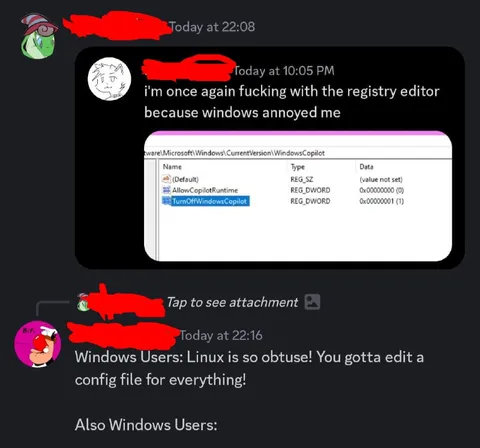
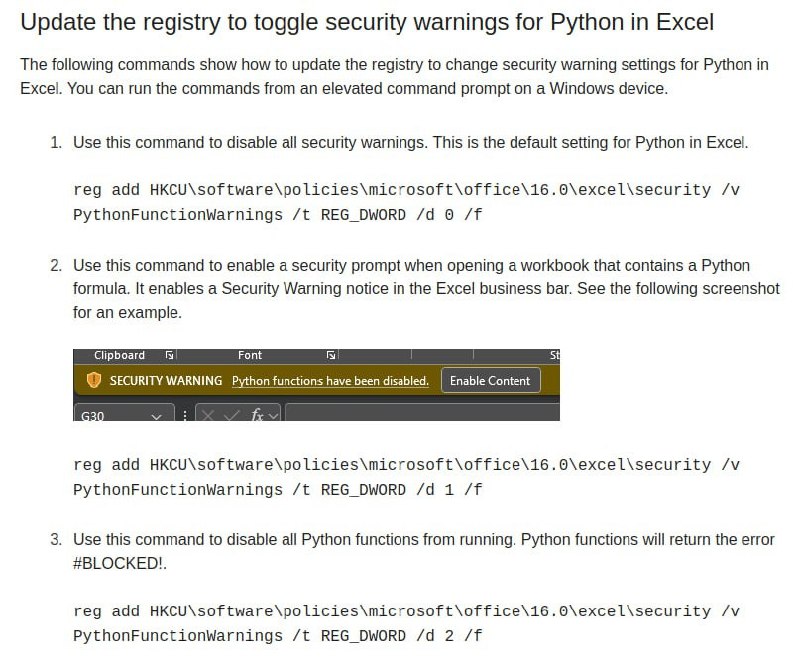
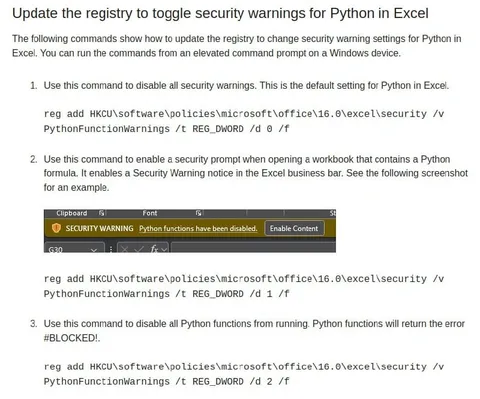
Update the registry to toggle security warnings for Python in Excel The following commands show how to update the registry to change security warning settings for Python in Excel. You can run the commands from an elevated command prompt on a Windows device. 1. Use this command to disable all security warnings. This is the default setting for Python in Excel. reg add HKCU\software\policies\microsoft\office\16.0\excel\security /v PythonFunctionWarnings /t REG_DWORD /d 0 /f 2. Use this command to enable a security prompt when opening a workbook that contains a Python formula. It enables a Security Warning notice in the Excel business bar. See the following screenshot for an example. SECURITY WARNING Python functions have been disabled. Enable Content reg add HKCU\software\policies\microsoft\office\16.0\excel\security /v PythonFunctionWarnings /t REG_DWORD /d 1 /f 3. Use this command to disable all Python functions from running. Python functions will return the error #BLOCKED!. reg add HKCU\software\policies\microsoft\office\16.0\excel\security /v PythonFunctionWarnings /t REG_DWORD /d 2 /f
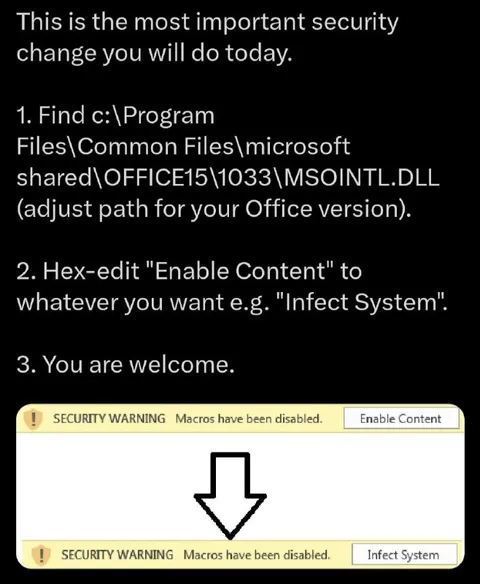
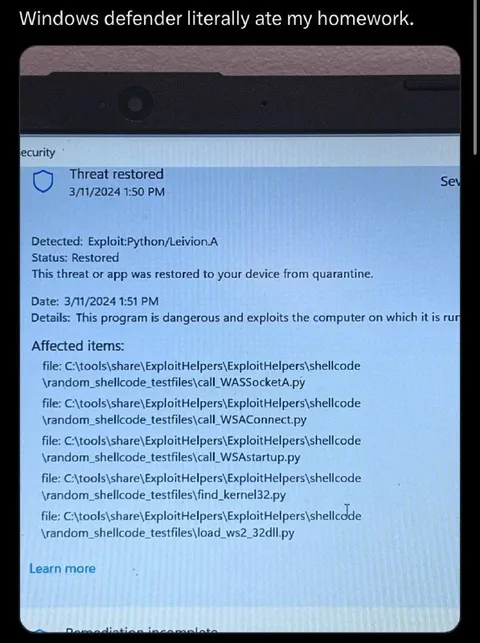
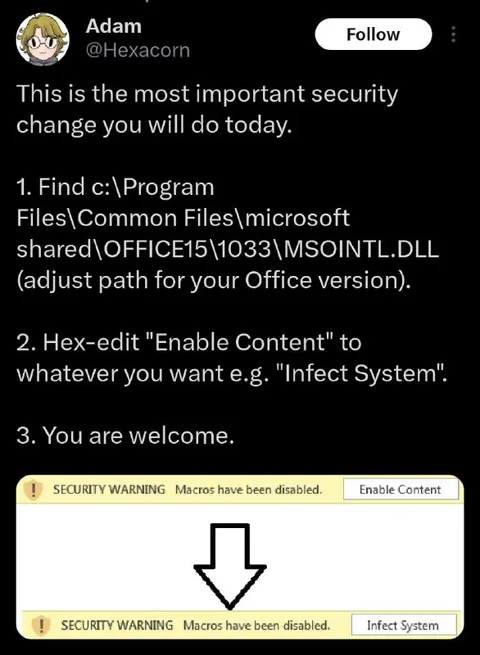
A screenshot of Microsoft documentation explains how to configure registry settings for Python in Excel, including disabling warnings, showing a security prompt, or blocking Python functions entirely. The joke is that Python in Excel is presented as a powerful data-analysis feature, yet its default security setting disables all warnings, making the supposedly secure approach look alarming and ironic.
documentation webpage / веб-страница документацииcomputer screenshot / скриншот компьютераregistry commands / команды реестраMicrosoft Excel interface / интерфейс Microsoft Excelsecurity warning banner / баннер предупреждения безопасностиyellow warning bar / жёлтая панель предупрежденияEnable Content button / кнопка Enable Contenttext document / текстовый документnumbered instructions / пронумерованные инструкцииWindows device / устройство Windows
- @dev_meme / 5366 2023-08-23
- Type
- image
- Size
- 800×665 · 105.0 KiB
- Mood
- sarcastic, ironic
- Language
- en
- Added