Magical Drawing Tools Gone Wrong
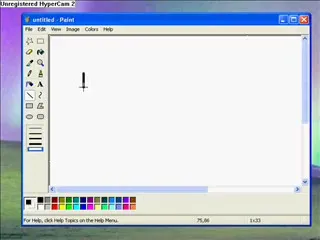
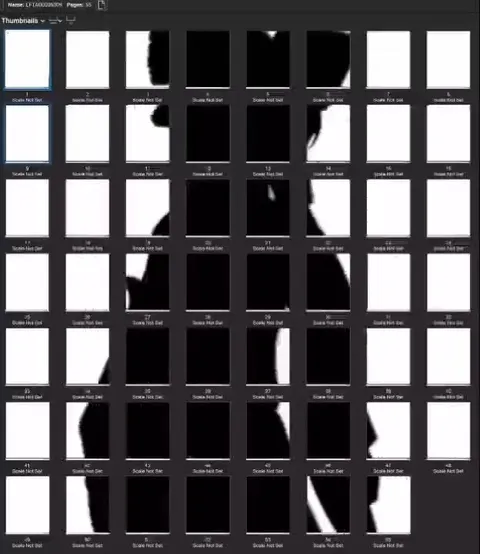
Pick a magical effect to use on your drawing! Click and drag the mouse to create a black and white silhouette. Click and drag the mouse around to change colors to their opposites -- their complementary colors. Purple! Click and drag the mouse to paint with a metallic color. Click and drag the mouse to draw with symmetric brushes (a kaleidoscope). Click and drag the mouse to draw with two brushes that are symmetric across the left and right of your picture. Click the part of your picture where would you like a puzzle.
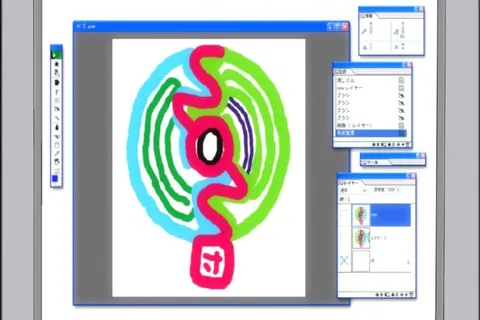
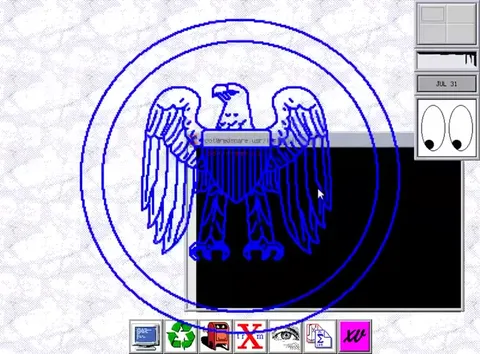
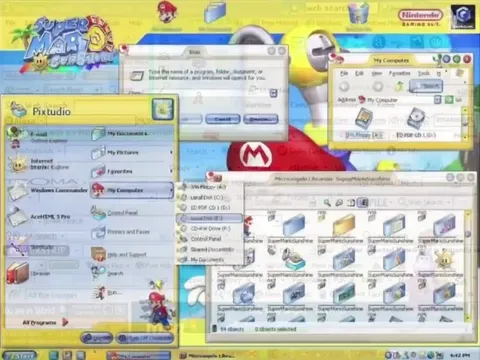
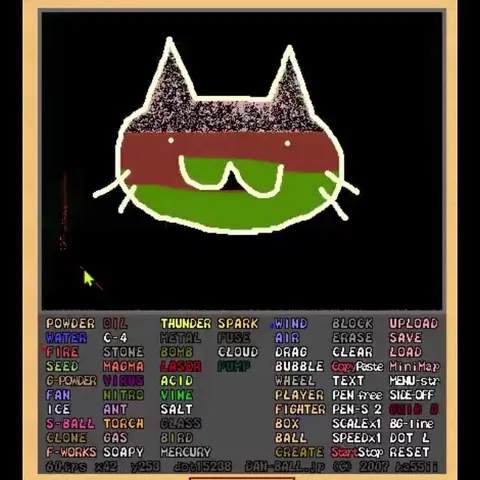
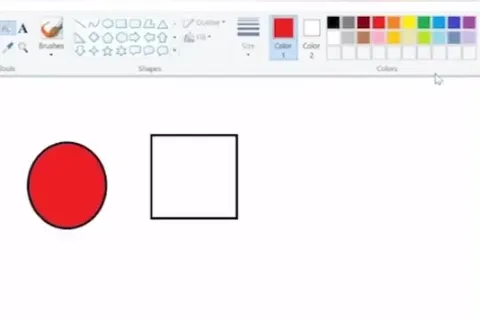
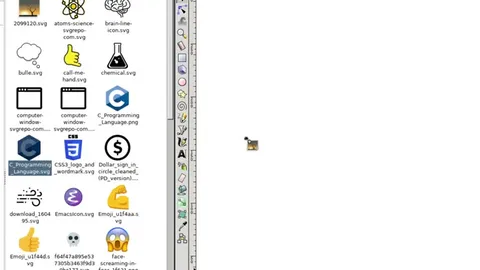
A retro paint program demonstrates increasingly bizarre magical tools on a moon image: silhouette effects, complementary colors, purple metallic painting, kaleidoscopic symmetry, mirrored brushes, and finally a puzzle effect that fills the canvas with orange shapes and googly eyes. The joke is the escalating absurdity of the supposed GIMP competitor, ending with an unusable but comically chaotic result.
retro paint program / ретро-программа рисованияmoon / лунаblack background / чёрный фонpenguin mascot / маскот-пингвинpaintbrush cursor / курсор-кистьsilhouette effect / эффект силуэтаcolored brush strokes / цветные мазки кистьюbrick pattern / кирпичный узорgreen pixel alien / зелёный пиксельный инопланетянинpurple metallic shape / фиолетовая металлическая фигураsymmetrical purple brush marks / симметричные фиолетовые мазкиblue mirrored drawing / синее зеркальное изображениеorange puzzle shapes / оранжевые детали пазлаgoogly eyes / выпученные глазаgray canvas / серый холстcolor palette / цветовая палитра
- @gentoomemes / 4096 2023-04-22
- Type
- video, 0:58
- Size
- 800×600 · 1.6 MiB
- Mood
- absurd, escalating
- Language
- en
- Added