Remember to Update Your Footer
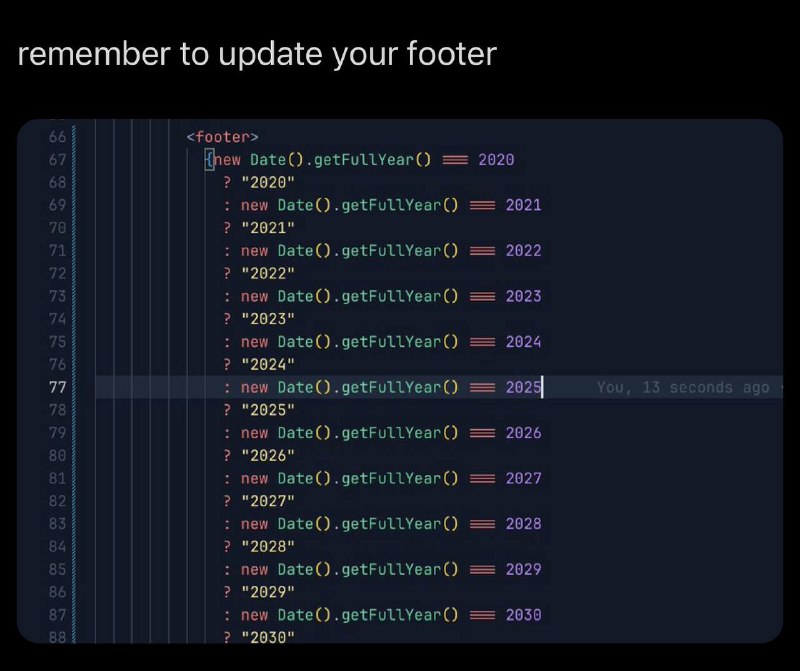
remember to update your footer <footer> new Date().getFullYear() === 2020 ? "2020" : new Date().getFullYear() === 2021 ? "2021" : new Date().getFullYear() === 2022 ? "2022" : new Date().getFullYear() === 2023 ? "2023" : new Date().getFullYear() === 2024 ? "2024" : new Date().getFullYear() === 2025 ? "2025" : new Date().getFullYear() === 2026 ? "2026" : new Date().getFullYear() === 2027 ? "2027" : new Date().getFullYear() === 2028 ? "2028" : new Date().getFullYear() === 2029 ? "2029" : new Date().getFullYear() === 2030 ? "2030"
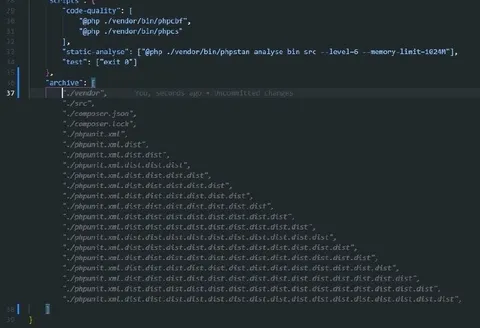
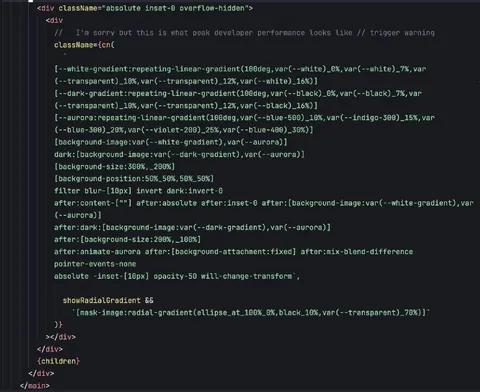
A screenshot shows a website footer implemented with a long chain of conditional JavaScript checks for each year from 2020 through 2030. The joke is that instead of dynamically displaying the current year, the developer manually hardcoded every year and will have to keep updating the footer forever. It is used as a reaction to overly complicated or poorly maintained code.
code editor screenshot / скриншот редактора кодаJavaScript code / код JavaScriptwebsite footer / нижний колонтитул сайтаconditional statements / условные операторыyear numbers / номера годовdark interface / тёмный интерфейсsyntax highlighting / подсветка синтаксисаline numbers / номера строкtext caption / текстовая подпись
- @gentoomemes / 15426 2025-01-01
- @profunctor_io / 10600 2025-01-02
- Type
- image
- Size
- 800×671 · 67.5 KiB
- Mood
- sarcastic
- Language
- en
- Added