USB Iceberg Explained
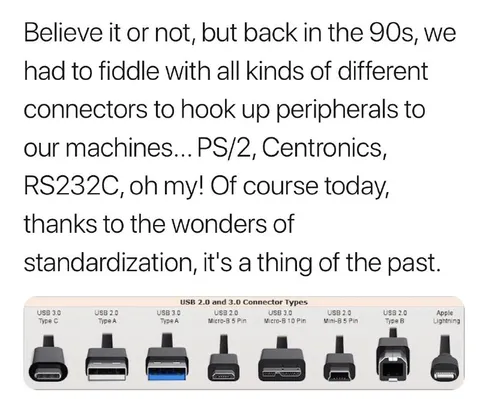
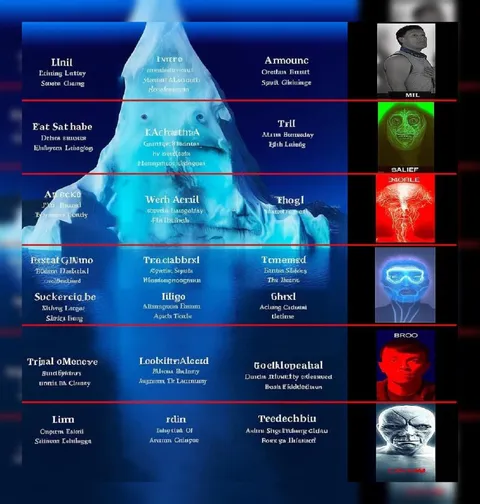
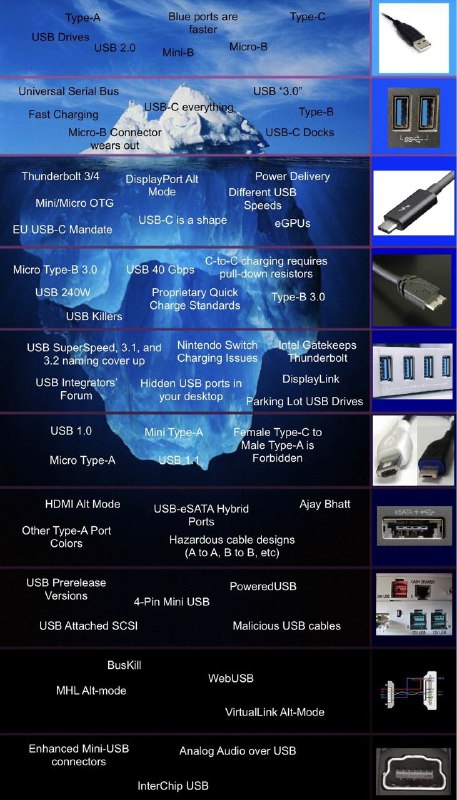
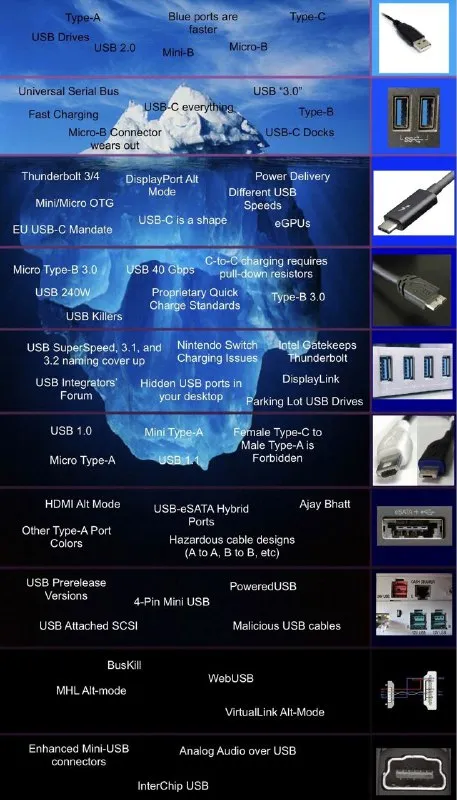
Type-A Blue ports are faster Type-C USB Drives USB 2.0 Mini-B Micro-B Universal Serial Bus Fast Charging USB-C everything USB-C “3.0” Type-B Micro-B Connector wears out Micro-B USB-C Docks Thunderbolt 3/4 DisplayPort Alt Mode Power Delivery Different USB Speeds eGPUs Mini/Micro OTG USB-C is a shape EU USB-C Mandate Micro Type-B 3.0 USB 240W USB Killers USB 40 Gbps C-to-C charging requires pull-down resistors Proprietary Quick Charge Standards Type-B 3.0 USB SuperSpeed, 3.1, and 3.2 naming cover up Nintendo Switch Charging Issues Intel Gatekeeps Thunderbolt USB Integrators’ Forum Hidden USB ports in your desktop DisplayLink Parking Lot USB Drives USB 1.0 Mini Type-A Female Type-C to Male Type-A is Forbidden USB 1.1 HDMI Alt Mode USB-eSATA Hybrid Ports Ajay Bhatt Other Type-A Port Colors Hazardous cable designs (A to A, B to B, etc) USB Prerelease Versions 4-Pin Mini USB PoweredUSB USB Attached SCSI Malicious USB cables BusKill WebUSB MHL Alt-mode VirtualLink Alt-Mode Enhanced Mini-USB connectors Analog Audio over USB InterChip USB
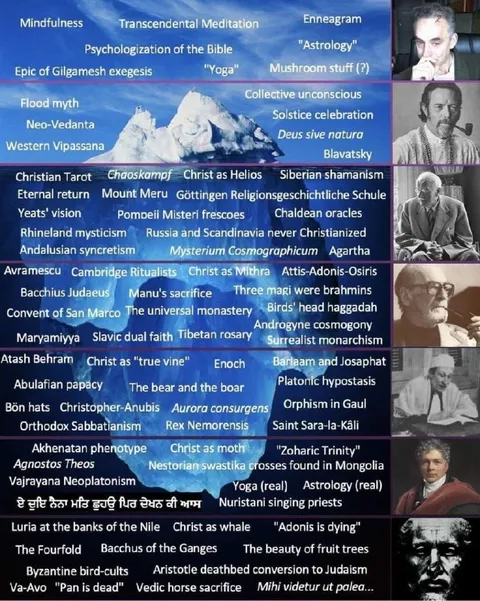
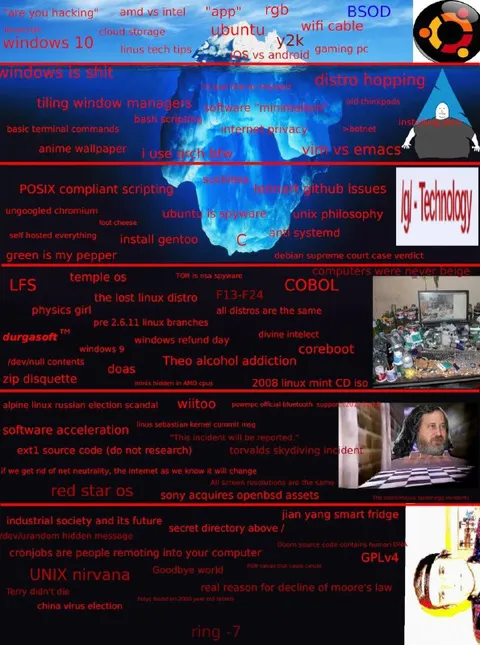
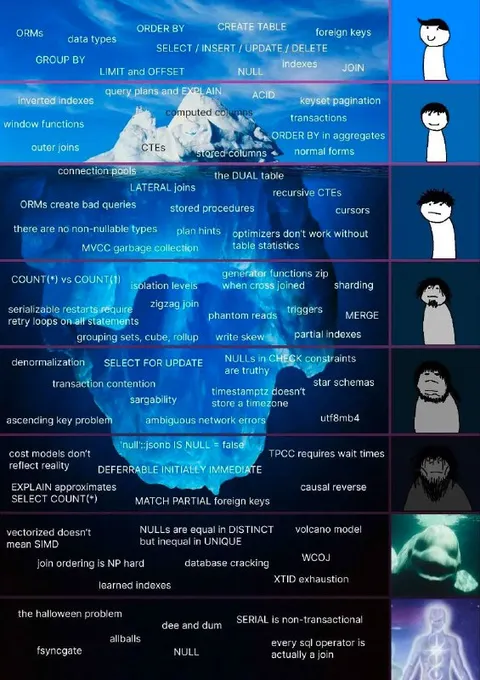
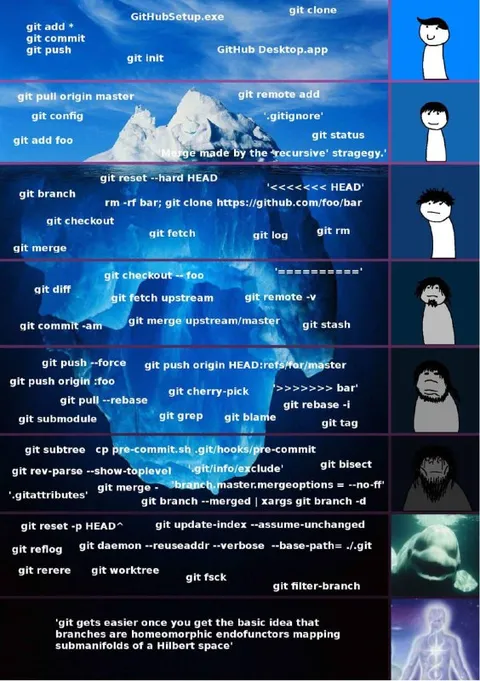
An iceberg chart ranks USB-related facts, standards, connectors, compatibility problems, and obscure technologies from common surface-level knowledge to deep technical trivia. The joke is that USB is far more complicated than ordinary users expect, with confusing naming, incompatible cables, hidden standards, and dangerous devices lurking beneath the familiar Type-A and Type-C connectors. EN: An iceberg chart ranks USB-related facts, standards, connectors, compatibility problems, and obscure technologies from common surface-level knowledge to deep technical trivia. The joke is that USB is far more complicated than ordinary users expect, with confusing naming, incompatible cables, hidden standards, and dangerous devices lurking beneath the familiar Type-A and Type-C connectors.
- @rzeczyzabawne / 15987 2024-04-07
- Template
- Iceberg chart
- Type
- image
- Size
- 457×800 · 92.7 KiB
- Mood
- technical, absurd
- Language
- en
- Added