The Accessibility Battery Drain
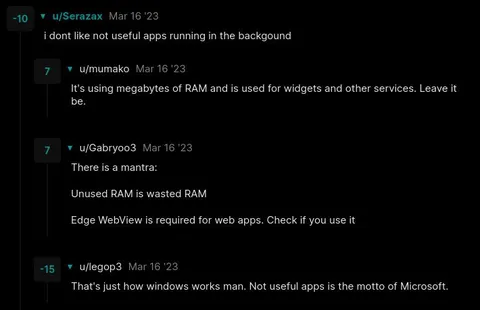
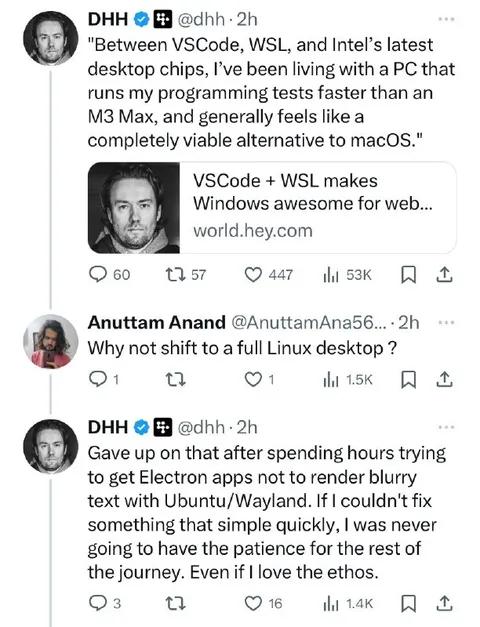
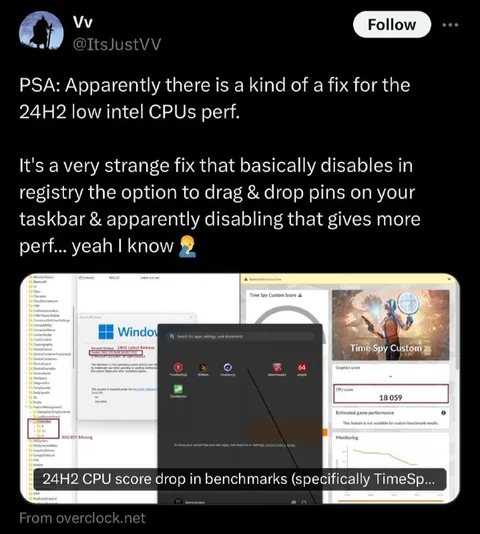
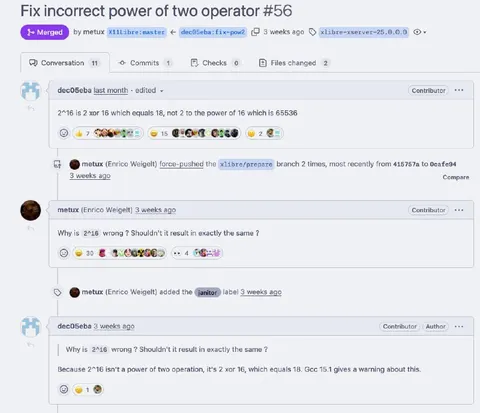
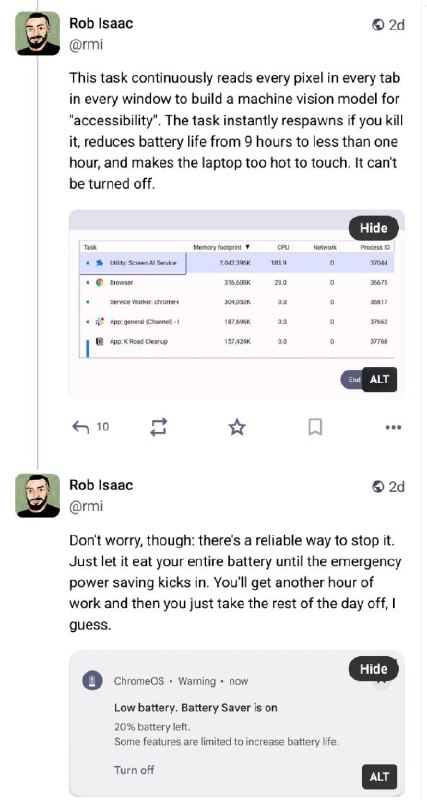
This task continuously reads every pixel in every tab in every window to build a machine vision model for "accessibility". The task instantly slows you if you kill it, reduces battery life from 9 hours to less than one hour, and makes the laptop too hot to touch. It can't be turned off. Tasks Memory footprint CPU Network Process ID Libby: Screen AI Service Browser Service Worker: chrome App: general (Channel - 1) App: K Road Cleanup Don't worry, though: there's a reliable way to stop it. Just let it eat your entire battery until the emergency power saving kicks in. You'll get another hour of work and then you just take the rest of the day off, I guess. ChromeOS · Warning · now Low battery. Battery Saver is on 20% battery left. Some features are limited to increase battery life. Turn off
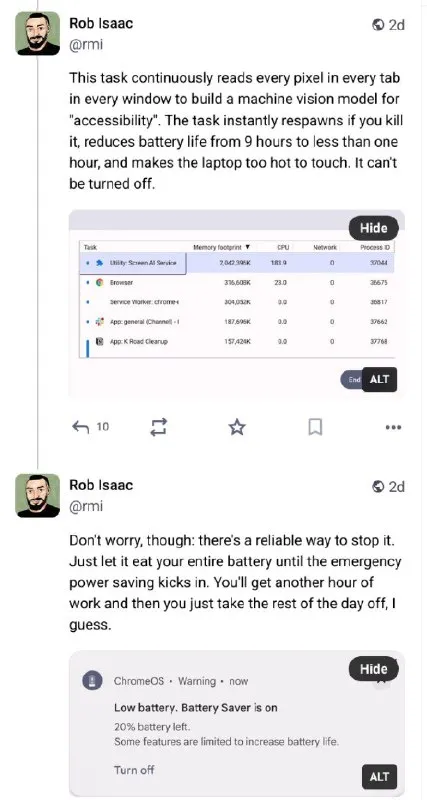
A social media post shows a laptop task manager where an accessibility-related screen-reading service consumes enormous resources, followed by a low-battery warning. The joke is that the supposedly unstoppable process can only be “stopped” by letting the laptop drain its battery, turning a technical problem into an accidental day off. It is used as a reaction to absurdly resource-hungry software, overheating devices, or a frustrating workaround. EN: A social media post shows a laptop task manager where an accessibility-related screen-reading service consumes enormous resources, followed by a low-battery warning. The joke is that the supposedly unstoppable process can only be “stopped” by letting the laptop drain its battery, turning a technical problem into an accidental day off. It is used as a reaction to absurdly resource-hungry software, overheating devices, or a frustrating workaround.
- @gentoomemes / 16647 2025-03-29
- Type
- image
- Size
- 427×800 · 59.0 KiB
- Mood
- саркастичный, абсурдный
- Language
- en
- Added