Coding a Better Button
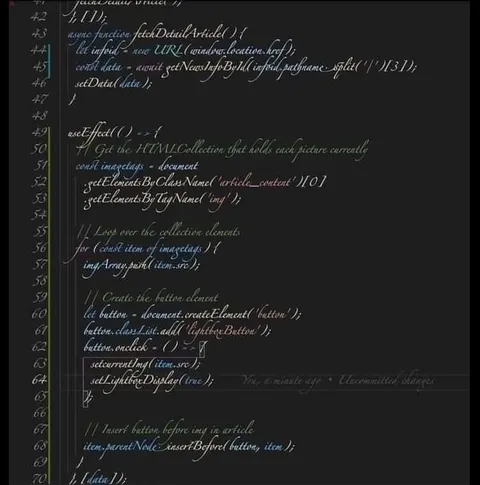
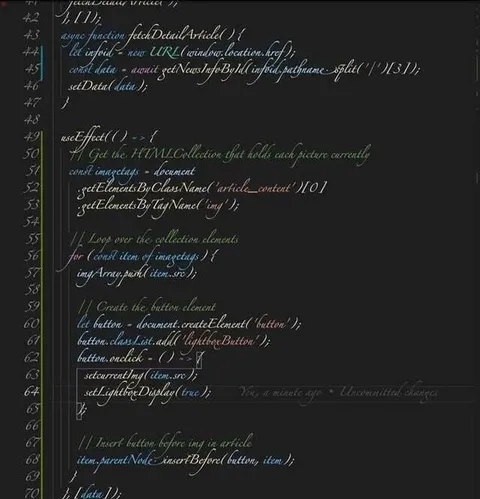
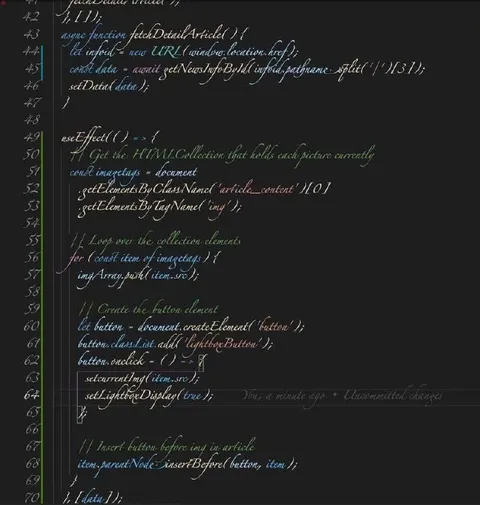
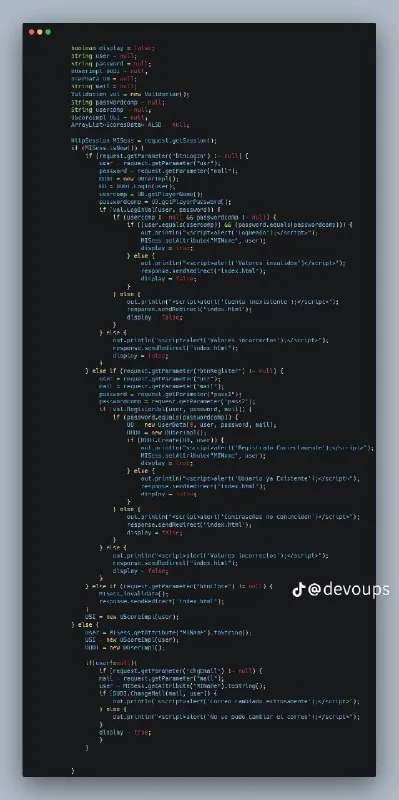
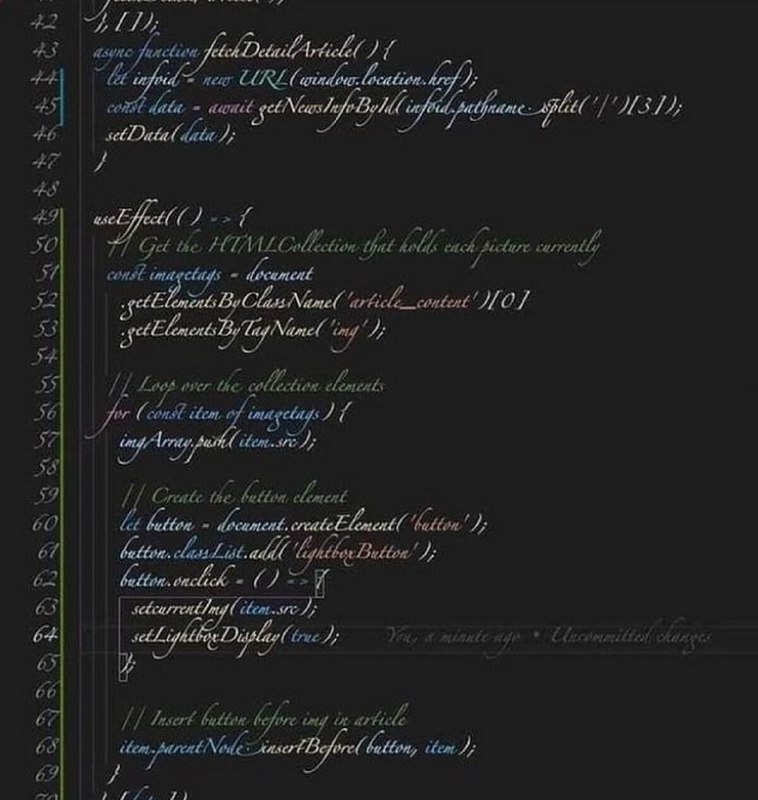
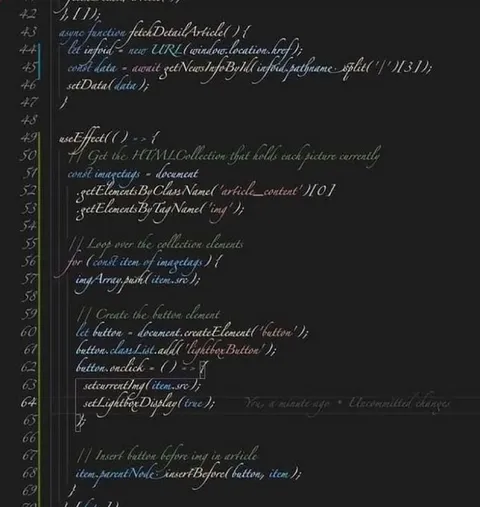
async function fetchDetailArticle() { let info = new URL(window.location.href); const data = await getNewsInfoById(info.pathname.split('/')[3]); setData(data); } useEffect(() => { // Get the HTMLCollection that holds each picture currently const img tags = document .getElementsByClassName('article__content')[0] .getElementsByTagName('img'); // Loop over the collection elements for (const item of img tags) { imgArray.push(item.src); } // Create the button element let button = document.createElement('button'); button.classList.add('lightterButton'); button.onclick = () => { setarrnenty(item.src); setLightboxDisplay(true); }; // Insert button before img in article item.parentNode.insertBefore(button, item);
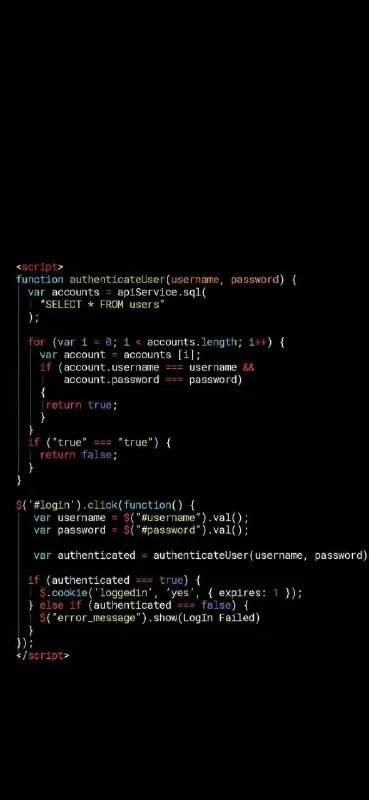
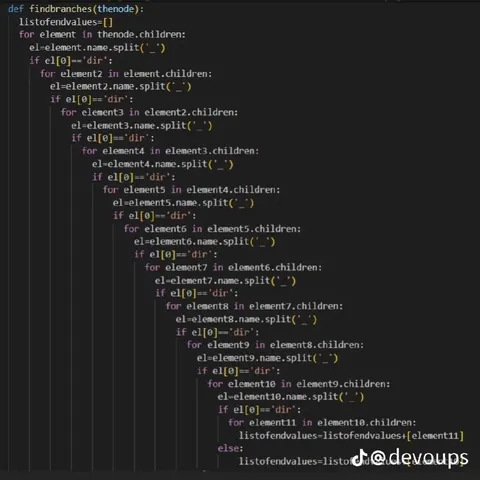
A dark screenshot shows handwritten-style source code in a web development editor. The code fetches article data, collects images, and creates a lightbox button. The joke is the exaggeratedly elaborate coding solution, making it useful as a reaction to messy, overcomplicated, or overly technical programming.
computer code / компьютерный кодcode editor / редактор кодаdark screen / тёмный экранJavaScript function / функция JavaScripttext cursor / текстовый курсорline numbers / номера строкbutton element / элемент кнопкиimage collection / коллекция изображенийlightbox / лайтбоксarticle webpage / веб-страница статьи
- @tgkshitandpost / 8971 2025-09-04
- @pokupkabitka / 51940 2025-09-19
- @about50posts / 19251 2025-09-21
- @beobanka / 50622 2025-10-01
- @tgkshitandpost / 9822 2025-10-07
- Type
- image
- Size
- 758×800 · 81.4 KiB
- Mood
- sarcastic
- Language
- en
- Added